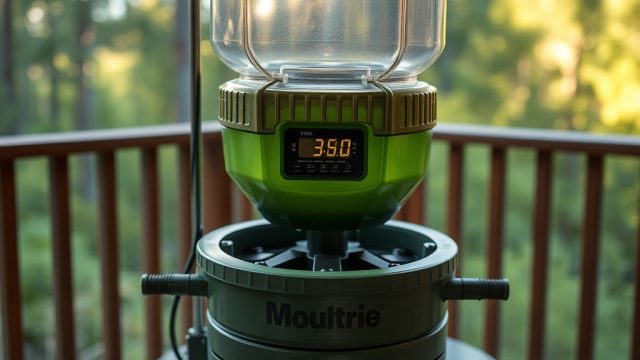
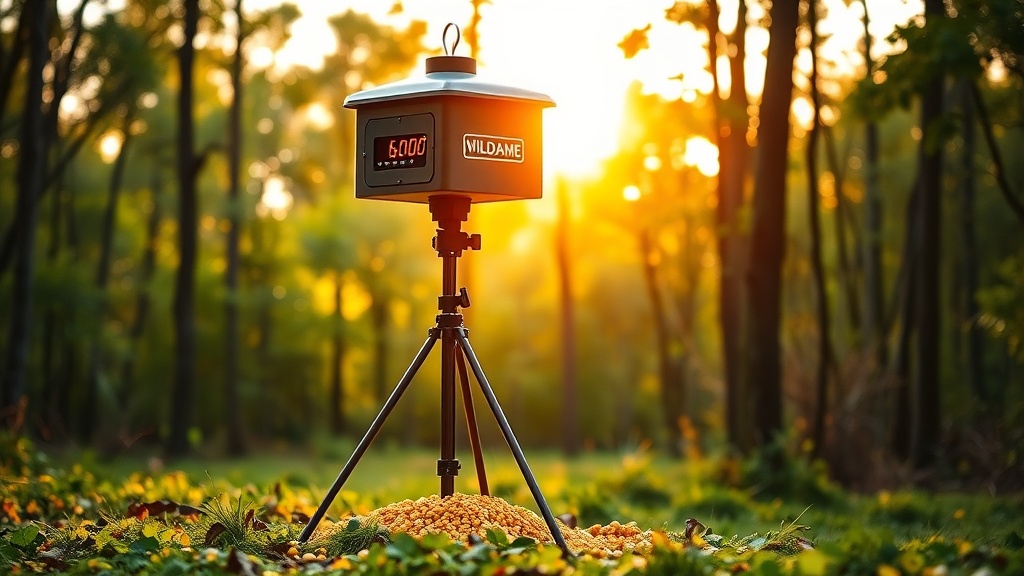
Programming Your Wildgame Mirage 200lb Feeder Timers: A Practical Guide
Getting the most from your Wildgame Innovations Mirage 200lb feeder means understanding the timer programming process. This article walks you through the specific button sequences, DIP switch settings, and troubleshooting steps for the factory-installed timer unit on the Mirage 200lb. Whether you’re setting up for the first time or tweaking an existing schedule, these steps help ensure reliable feed distribution throughout the hunting season.
How Do I Access the Timer Programming Mode on the Mirage 200lb?
The Wildgame Mirage 200lb uses a programmable digital timer with a three-button interface—SET, MODE, and FEED. To enter programming mode, press and hold the SET button for three seconds. The LCD display will flash the current time setting, typically showing “12:00 AM” on a factory reset unit. Release the SET button once the flashing begins. You are now in the primary time-setting mode, which must be correct before programming feeding times.
Use the FEED button to cycle hours forward and the MODE button to confirm each segment (hours, then minutes). After setting the current time, press SET again to move to feed-time programming. The display will show “F1” (feed event 1) with a flashing colon. If the timer does not respond after holding SET, check that the internal battery (a CR2032 coin cell, accessed by sliding off the rear panel) is seated properly and reading above 2.8 volts. Low backup battery voltage can lock the timer in a non-responsive state.
What Are the Correct DIP Switch Settings for the Mirage 200lb?
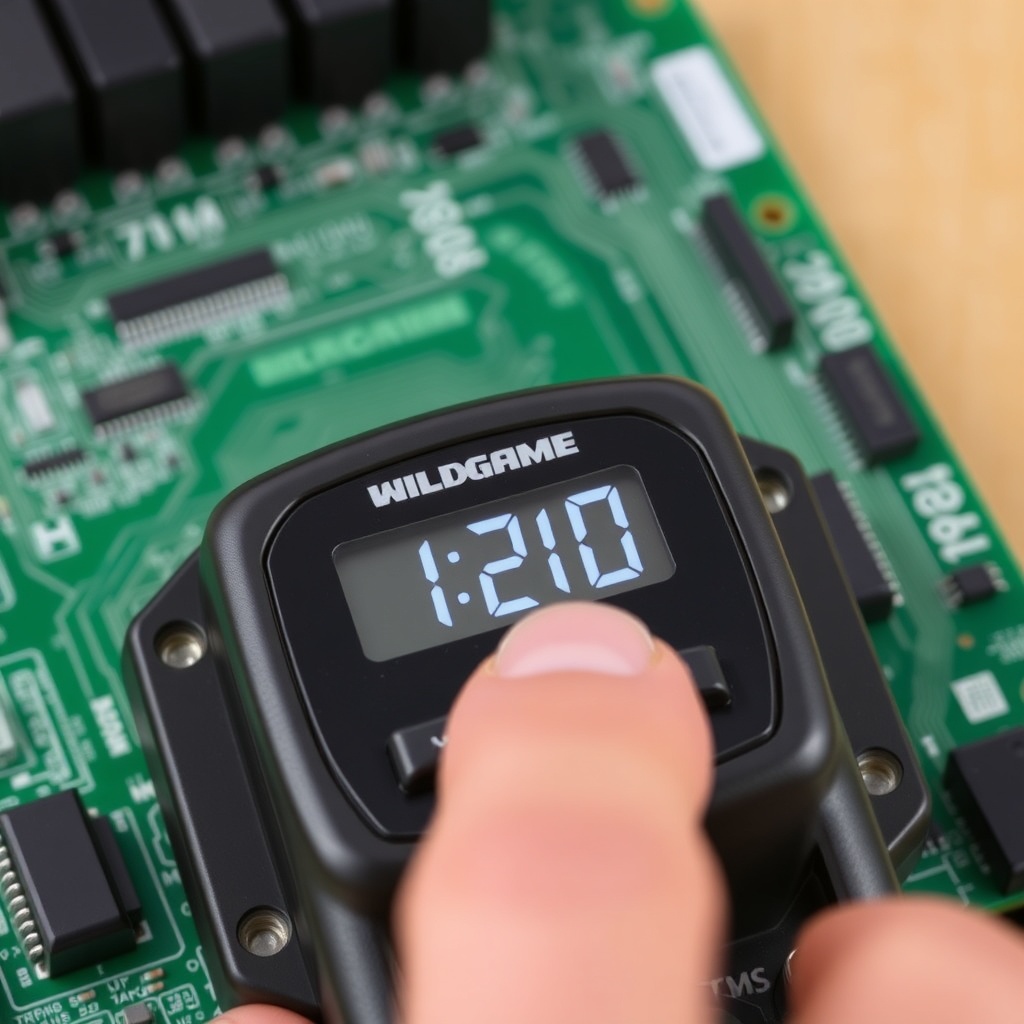
The Mirage 200lb timer board includes a bank of DIP switches behind the battery compartment cover. These switches control the feed duration (how many seconds the motor runs) and the feed frequency (every 6, 12, or 24 hours). On a new unit, the default setting is typically switch 1 ON (6-second spin), switch 2 OFF, and switch 3 ON (12-hour cycle). Here is a reference table for common settings:
| Feed Duration Setting | DIP Switches 1 & 2 | Approximate Feed Volume (corn) |
|---|---|---|
| 3-second spin (light feed) | Both OFF | ~1.2–1.5 lbs per spin |
| 6-second spin (standard) | Switch 1 ON, Switch 2 OFF | ~2.5–3.0 lbs per spin |
| 9-second spin (heavy feed) | Switch 1 OFF, Switch 2 ON | ~3.8–4.5 lbs per spin |
| 12-second spin (max) | Both ON | ~5.0–6.0 lbs per spin |
Switch 3 toggles between 12-hour and 24-hour cycle modes. Set switch 3 to OFF for 24-hour cycles (e.g., one feed per day), or ON for 12-hour cycles (two feeds per day). After adjusting DIP switches, cycle the main power off and on via the MAIN POWER slide switch, then press the FEED button once to test the new spin duration. If the spinner plate does not rotate, inspect the DIP switch contacts for dust or corrosion—clear with a dry toothpick if necessary.
How Do I Set Multiple Feeding Times on the Mirage 200lb?
The Mirage 200lb timer supports up to four programmable feed events per day—labeled F1, F2, F3, and F4 on the LCD. After setting the current time and pressing SET once, the display shows “F1” with the time (default 12:00 PM). Press FEED to adjust the hour, MODE to confirm, then repeat for minutes. Press SET again to save F1 and advance to F2. Repeat for F3 and F4. If you want only two feed times (e.g., F1 at 6:30 AM and F2 at 4:30 PM), press and hold SET for three seconds after setting F2—this clears F3 and F4 to “—” (no event programmed).
Important: each feed event triggers the full spin duration set by the DIP switches. If you program F1, F2, and F3, but only want two feeds, leaving a blank event does not waste battery. A common configuration among whitetail hunters is F1 at 6:00 AM and F2 at 4:30 PM, with a 6-second spin. If you hunt in areas with high coyote or javelina pressure, consider F1 only at first light. Verify feed times by pressing the MODE button repeatedly to scroll through saved events—the display will show “F1,” then “6:00 AM,” then “F2,” etc.
Why Does My Mirage 200lb Timer Not Save or Reset After Programming?
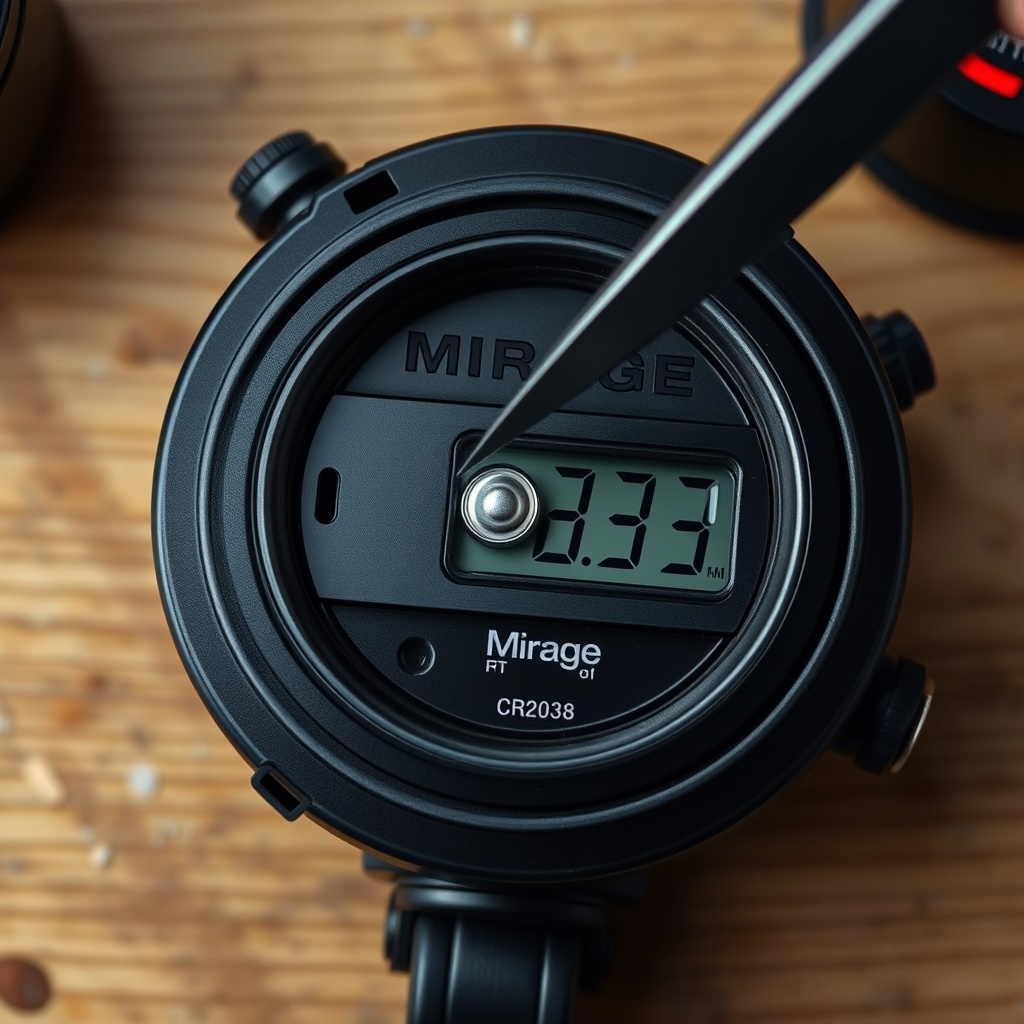
If your feeder timer forgets settings after you remove the main batteries or after a few days, the internal backup battery (CR2032) is likely depleted. Open the timer compartment by pressing the tab on the bottom edge and sliding the cover downward. Replace the CR2032 with a fresh cell—common brands like Duracell or Energizer work reliably, costing around £3–£4 each in the UK or $3–$5 in the US. Note polarity: the positive (+) side faces outward (visible when the cover is off).
Another cause: the main battery voltage dropping below 5.5 volts during programming can cause erratic behavior. The Mirage 200lb requires a six-volt lantern battery (or four D-cell adapters, depending on model variant). Test battery voltage with a multimeter at the spring terminals while pressing the FEED button—if voltage sags below 5.0 volts, replace the main battery. For consistent performance, consider the Battery Life and Solar Compatibility guide on Battery Life and Solar Compatibility: Wildgame Mirage 200lb, which covers solar panel sizing and maintenance-free setups.
How to Troubleshoot a Timer That Feeds at the Wrong Time?
If the feeder drops corn at an unexpected time—say, 2:00 AM instead of 6:00 AM—the most common issue is an incorrect AM/PM setting. The Mirage 200lb timer uses a 12-hour clock with a small AM/PM indicator in the top-right corner of the LCD. When setting the current time and feed events, verify you are in the correct half of the day. For example, 6:00 with the PM indicator on will feed at 6:00 PM, not 6:00 AM. Press the MODE button while setting the hour to toggle AM/PM—the indicator switches with each press.
A second issue: accidental misalignment of the hour to the feed event number. If F1 reads 6:00 AM but the feeder fires at 4:00 PM, you may have adjusted F2 inadvertently. Cycle through all four feed events using the MODE button (no need to press SET) and verify each time. To factory reset the timer, remove the main battery and backup CR2032 for two minutes, then reinstall and reprogram from scratch. This clears any corrupted EEPROM data. For persistent timing drift, check the timer crystal oscillator—if the clock loses or gains more than five minutes per week, contact Wildgame customer support for a replacement timer board (part number MIR-TMR-01, about £18/$22).
Can I Program the Mirage 200lb Timer Without the Remote?
Yes, the Mirage 200lb timer is fully programmable from the onboard keypad—no remote is required for setup or adjustment. The remote receiver (if your model came with one) is an optional accessory for changing feed times from a distance (up to 100 feet line-of-sight). To program via remote, pair the remote by holding the SET button on the timer for five seconds until the LED on the remote receiver blinks red, then press any remote button within 10 seconds. If the remote does not pair, replace the remote’s CR2032 battery and check the receiver antenna wire for cuts or kinks.
For hunters who prefer simplicity, programming directly on the unit is more reliable and avoids remote battery issues. To disable the remote receiver (to save a tiny amount of standby power), slide the MAIN POWER switch to OFF, then hold both the SET and MODE buttons while sliding power back to ON—release after three seconds. The LCD will show “rF OFF.” To re-enable, repeat the process. If you encounter raccoon interference, the guide on How to Protect Wildgame Mirage 200lb from Raccoons covers physical deterrents and timer modifications to prevent spool tampering.
What Owners Say
“I have two Mirage 200lb feeders and the timer programming is straightforward once you figure out the DIP switch setup. My only gripe is that the CR2032 backup battery seems to last only one season—I replace it every July before the pre-season prep.” — Mark T., Mississippi
“After a few weeks my F3 feed started running 20 minutes late. Turned out I had accidentally left the feed time set to PM instead of AM, and the timer was confused. Reset everything from scratch and now it runs like a clock. The LCD is easy to read even in low light, which helps.” — David R., Texas
For more details on the spin-cast mechanism and performance expectations, see the Wildgame Innovations Mirage 200lb Spin-Cast Review.
Frequently Asked Questions
- How do I perform a hard reset on the Mirage 200lb timer?
Remove the main lantern battery and the backup CR2032 cell simultaneously. Wait two minutes, then reinstall both. The LCD will show “12:00 AM.” Reprogram current time and feed events from scratch. This clears all saved settings, including feed times and remote pairing. - What kind of battery does the Mirage 200lb timer backup use?
It uses a single CR2032 3-volt lithium coin cell. Replace annually or when you notice time/date resetting after main battery changes. Available at most electronics stores for around $3–$5 USD / £3–£4 GBP. - Can I program the feeder to skip certain days?
The factory timer does not support day-of-week programming—it runs on a continuous 12-hour or 24-hour cycle. To skip days, manually turn the MAIN POWER switch off for periods you want to skip, or use an external timer with a weekly schedule (requires wiring modification). - Why does my feeder spin twice in a row without programming two events?
This typically indicates a defective DIP switch setting. Verify DIP switches 1 and 2 are not both ON unless you want a 12-second spin. Also check on/off cycle: if the main power was toggled during programming, the timer may misinterpret the first feed event as a test, then fire at the programmed time. Reprogram after a clean power cycle. - Is the remote compatible with all Mirage 200lb units?
Most recent Mirage 200lb models include a remote receiver, but verify the box includes “Remote Ready” on the packaging. Units manufactured before 2020 may not have the receiver module. The remote part number is WR-100; it uses two CR2032 batteries (one in remote, one in receiver). - How do I test feed volume without filling the entire hopper?
Pour two buckets of corn into the hopper (about 40 lbs) to provide enough weight for consistent spinning. Press the FEED button once; collect the output on a tarp. Measure volume with a scale or a 5-gallon bucket (a full bucket holds ~30 lbs). Adjust DIP switch duration to match your desired per-feed weight. For lighter testing, use 10 lbs of corn—but note lighter loads may spin differently than a full 200-lb hopper.
For raccoon-proofing strategies and maintenance, refer back to How to Protect Wildgame Mirage 200lb from Raccoons.