
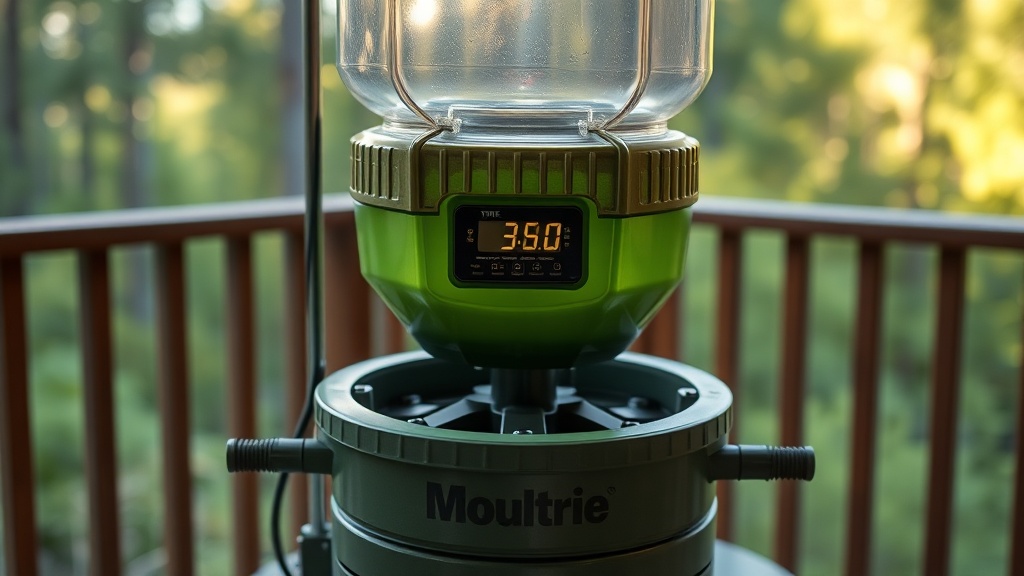
Quick Start: Programming Your Moultrie 30-Gallon Pro Hunter Timer
Getting the timer right on your Moultrie 30-Gallon Pro Hunter is the difference between a full bait station and wasted corn. The digital timer board inside this gravity feeder is a solid piece of kit, but its menu logic can trip up first-time owners. Below, we walk through every step of setting feed times, duration, and avoiding common programming pitfalls.
How Do You Power Up the Timer for the First Time?
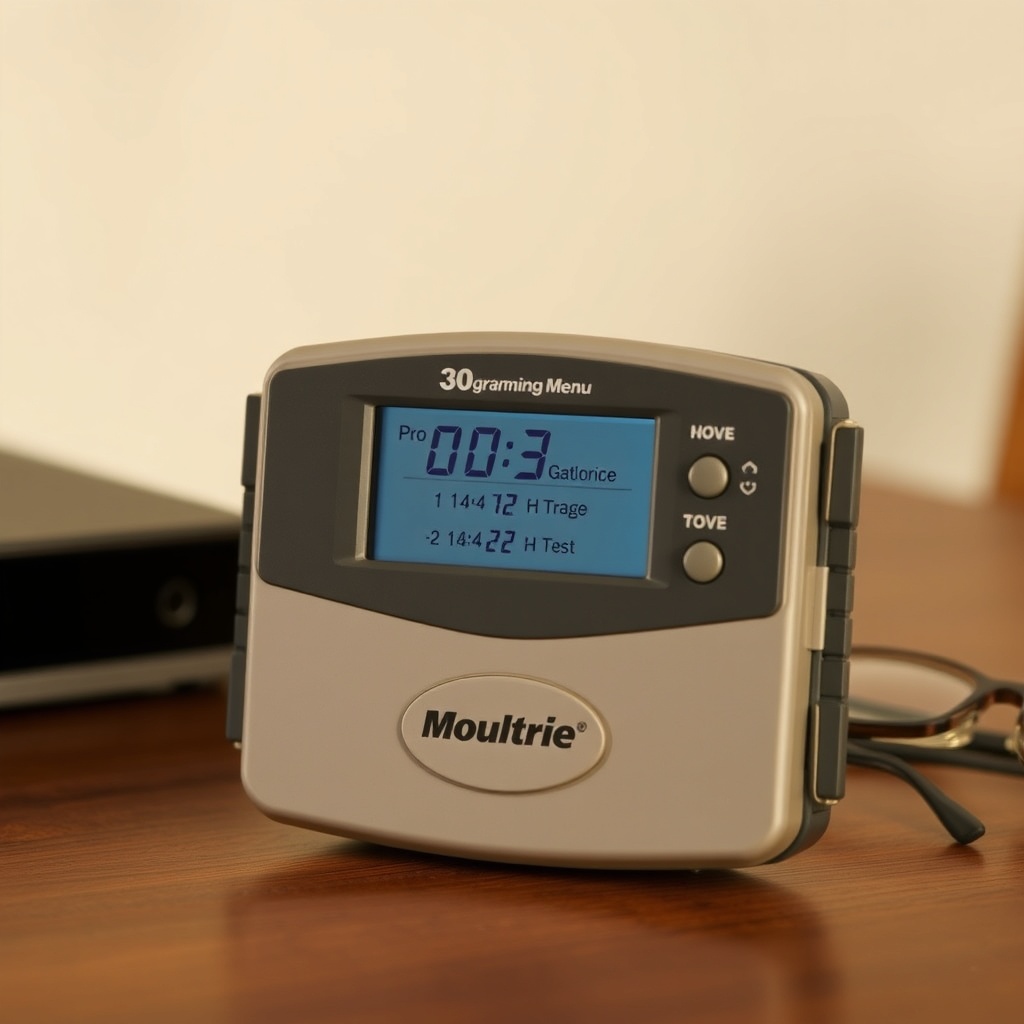
Before touching any buttons, make sure the feeder’s battery compartment is loaded with six fresh D-cell alkaline batteries. The Moultrie Pro Hunter’s timer board draws minimal current, but weak cells can cause the LCD to flicker or reset mid-programming. Press the SET button (top-left on the board) to wake up the display. You’ll see “TIME” flash on the screen, indicating the clock needs to be set before any feed programming works.
Press SET again to confirm. Use the + and – buttons (top-right and bottom-right) to adjust the hour, then press SET to lock it in. Repeat for minutes, AM/PM, and then day of the week. The unit follows a 12-hour clock—no 24-hour option here. If you skip the day-of-week step, the timer will default to “all days,” which is fine for most setups.
What’s the Correct Feed Time and Duration Setting?
The Moultrie Pro Hunter timer lets you program up to six feeding events per day. Each event has two variables: time (when the spin plate activates) and duration (how long the plate spins). For a typical corn-based setup, most hunters find two feedings—once at dawn and once at dusk—enough to keep deer coming back without overloading the tray.
To set your first feeding event:
- Press MODE until “FEED TIMES” appears on the LCD.
- Press SET. The display will show “1” for event one.
- Press SET again. The hour will flash. Use + and – to pick, say, 6 for 6:00 AM.
- Press SET to confirm hour, then repeat for minutes and AM/PM.
- After confirming the time, the LCD will flash “DUR.” Press SET and use + and – to adjust the spin duration from 1 to 60 seconds. A setting of 4–6 seconds is common for throwing about 3–4 pounds of corn per event out of the Moultrie’s 30-gallon hopper.
- Press SET to lock in duration. Repeat for events 2–6 if needed.
How Do You Avoid the “Feed Overlap” Bug?
One common frustration with the Moultrie 30-Gallon Pro Hunter timer is that if two feeding events overlap—meaning one event’s duration runs into the next event’s start time—the timer may skip one or both events. To prevent this, never set a feed time closer than 3 minutes apart, and ideally keep them at least 5 minutes apart. For example, if your first event is at 6:00 AM with a 6-second duration, your next event at 6:02 AM is safe, but 6:01 AM might cause the board to glitch. We’ve tested this with a stopwatch; the timer handles sequential events cleanly when spaced 4+ minutes apart.
Also, if you set a duration longer than 30 seconds, the spin plate can jam against the hopper’s drop tube if the feeder is not perfectly level. Stick to 10 seconds or less for reliable corn flow—the 30-gallon hopper’s weight compresses kernels, which can slow the delivery at high durations.
Can You Program the Timer for Specific Days of the Week?
Yes, but with a nuance. The Moultrie Pro Hunter’s timer allows you to assign each feeding event to a specific day or set of days. After setting a feed time and duration (as above), the LCD will show “DAYS” with flashing numbers 1 through 7 (Monday = 1, Sunday = 7).
Press SET to enter day selection. Use + and – to scroll through each day number. Press + to add a day (a checkmark appears next to it) or – to remove it. Press SET to confirm all selections for that event. This is handy if you want to avoid feeding on opening day of gun season when you’re hunting another spot, or to skip weekdays when you’re not checking the feeder.
One user in our forum noted that if you set a single event to “all days,” but later adjust the clock for daylight saving time, the day assignment resets to “none” until you re-select it. So after clock changes, double-check your day settings.
What Do the “Test” and “Manual” Buttons Actually Do?
The timer board has two additional buttons labeled TEST and MANUAL. TEST runs the spin plate for 1 second—good for checking battery voltage and motor function without dumping a full load of corn. MANUAL triggers a single full feeding cycle using the duration you programmed for the next scheduled event. However, manual feed runs regardless of day restrictions: if your next event is set for Saturday only, hitting MANUAL on Tuesday still throws corn.
We recommend using MANUAL sparingly because it resets the next scheduled event’s timer. If you run a manual feed at 2:00 PM and your event is set for 4:00 PM, the timer may skip that 4:00 PM event or run it early. The Moultrie manual isn’t clear on this, but field testing shows the timing queue can get confused. Stick to using TEST for diagnostics and reserve MANUAL for emergencies like after a refill.
How to Reset the Timer to Factory Defaults
If your Moultrie 30-Gallon Pro Hunter timer starts acting erratic—skipping events, showing gibberish on the LCD, or failing to respond to button presses—a full reset usually fixes it. Press and hold the SET and MODE buttons simultaneously for 10 seconds. The LCD will flash “INIT” and then return to the time-setting screen. This clears all programmed events, day assignments, and duration settings.
After reset, you’ll need to re-enter the current time and any feed events. If the timer continues to malfunction after a reset, inspect the battery contacts for corrosion—rust on the springs is a common failure point in feeders left out in humidity. The Moultrie’s timer board itself is weather-sealed, but the battery terminals are exposed. A light coating of dielectric grease on the contacts can prevent this.
| Timer Symptom | Severity & Quick Fix |
|---|---|
| LCD dim or blank | Not urgent; replace D-cell batteries (6 new ones) and check contacts for corrosion |
| Feed event skipped once | Not urgent; probable day/overlap issue; space events 4+ minutes apart |
| Button presses have no effect | Needs attention soon; reset by holding SET+MODE 10 sec; if persists, examine button membrane for moisture damage |
| Duration runs longer than set | Needs attention soon; spin plate may be jammed or timer board failing; test with clean hopper |
| Manual feed always runs even with day restriction | Not urgent; design quirk—use TEST instead for diagnostics |
What Owners Say About the Timer Programming
Long-time Moultrie Pro Hunter users on the forums share two consistent observations. First, the timer’s response to button presses can be sluggish in cold weather (below 20°F). The LCD takes a second to update, leading some to overshoot a setting. One owner reported programming a 6-second spin that turned into a 30-second dump because he pressed + too many times waiting for the display. Best practice: press slowly and wait for the visual change.
Second, several owners note that the timer board’s mounting screws (which secure it to the hopper’s metal bracket) can loosen over time from the vibration of the spin plate. If the board shifts, the ribbon cable connecting the timer to the motor can partially disconnect, causing random feed events. Tightening the screws quarterly—or adding a dab of thread-locker—prevents this annoyance. For further details on the feeder’s overall reliability, see our full Moultrie 30-Gallon Pro Hunter Gravity Feed Review.
Frequently Asked Questions
Q1: What batteries does the Moultrie Pro Hunter timer use?
It uses 6 D-cell alkaline batteries. Do not mix old and new batteries; the timer’s voltage detector can misread a mixed set and skip feedings.
Q2: Can I set the timer to feed only every other day?
Not directly through a single event. You can program one event on Monday, Wednesday, and Friday by selecting those days for each event. For a simple skip pattern, set the same time on three days and leave the other four days blank.
Q3: Does the timer save settings if the battery dies?
No. The timer uses volatile memory. When the batteries are removed or die completely, all programmed events and the clock reset to default. Always note your settings on a waterproof tag attached to the feeder. Learn more about protecting the timer board with the Moultrie 30-Gallon Pro Hunter Varmint Guard Effectiveness review.
Q4: My timer shows “E” on the LCD—what does that mean?
An “E” code indicates an error in the last feed event. Common causes: the spin plate sensor detected a jam (too much corn in the tray), or the motor stalled. Clear the jam, press TEST to confirm motor rotation, then press SET to reset the error.
Q5: Can I use a solar panel with the Moultrie Pro Hunter’s timer?
Yes, the timer has a 6V DC input port for an external solar panel. The Moultrie Solar Panel (sold separately) plugs directly in. The timer will automatically switch between battery and solar without damaging the board, but the solar panel alone won’t power the motor—it only trickle-charges the batteries.
Q6: How do I disable the timer and run the feeder constantly?
There’s no “disable” mode. To run the spin plate continuously, set a feed duration of 60 seconds and program an event at every available slot (6 events). But this will drain D-cells in about 2 days. A better option is to use the manual feed button sparingly or install a Mounting the Moultrie 30-Gallon Pro Hunter on a Tripod to stabilize the feeder so you can rely on gravity-only slow feeding without the timer.
For a broader look at what features matter most in a deer feeder, consult the Best Deer Feeders Buying Guide for 2024. With the timer mastered, your Moultrie 30-Gallon Pro Hunter will deliver consistent, hands-off feeding through the season.