Introduction to Timer Troubleshooting for the BuckGuide 300lb Spin-Cast Feeder
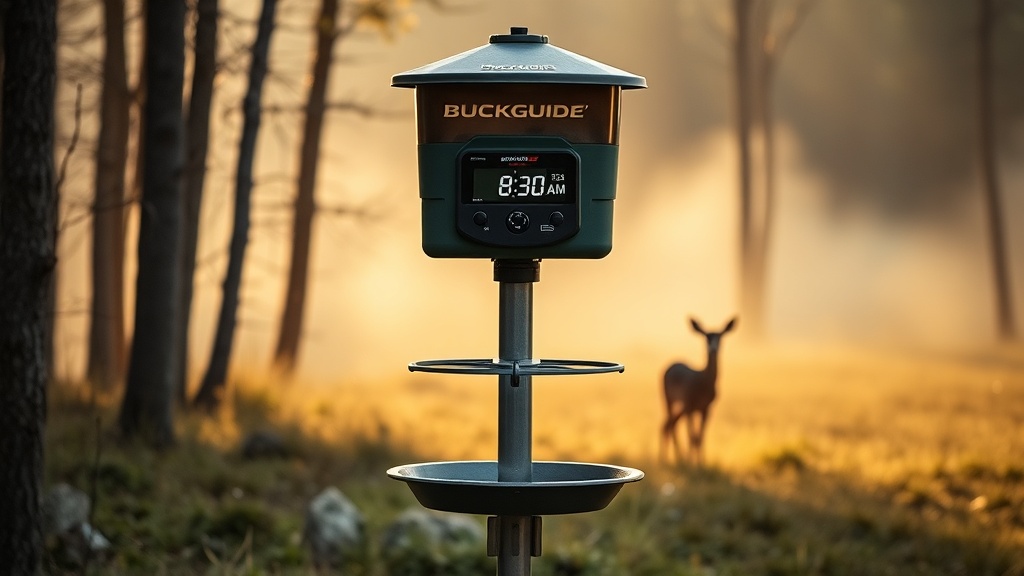
The BuckGuide 300lb Spin-Cast Feeder is a robust unit designed to hold up to three hundred pounds of corn or pelletized feed, featuring a digital timer that controls feed dispensing schedules. However, timer issues can arise from environmental exposure, battery drain, or programming errors, disrupting feeding consistency. This article provides practical, step-by-step troubleshooting for common timer problems, including a severity table and owner insights, to help you restore reliable operation without unnecessary expense.
Why Does My BuckGuide 300lb Feeder Timer Not Display Any Numbers?
A blank timer display is the most frequent complaint among owners. The root cause is almost always a power interruption or a failed battery connection. The timer requires a stable 6-volt or 12-volt supply, depending on your unit’s configuration, to maintain its LCD readout. Check the battery terminals for corrosion — white or green residue can block current flow. Clean terminals with a wire brush and baking soda solution. If the display remains blank, test the battery voltage with a multimeter; a reading below 5.5 volts for a 6-volt system means the battery is too weak to power the timer. Replace the battery according to the Battery Replacement Guide for BuckGuide 300lb Spin-Cast Feeder and ensure the timer’s wiring harness is securely plugged in. In rare cases, a lightning strike or power surge may have fried the timer board, requiring a full replacement.
How Can I Reset a Frozen or Unresponsive Timer on My BuckGuide 300lb Feeder?
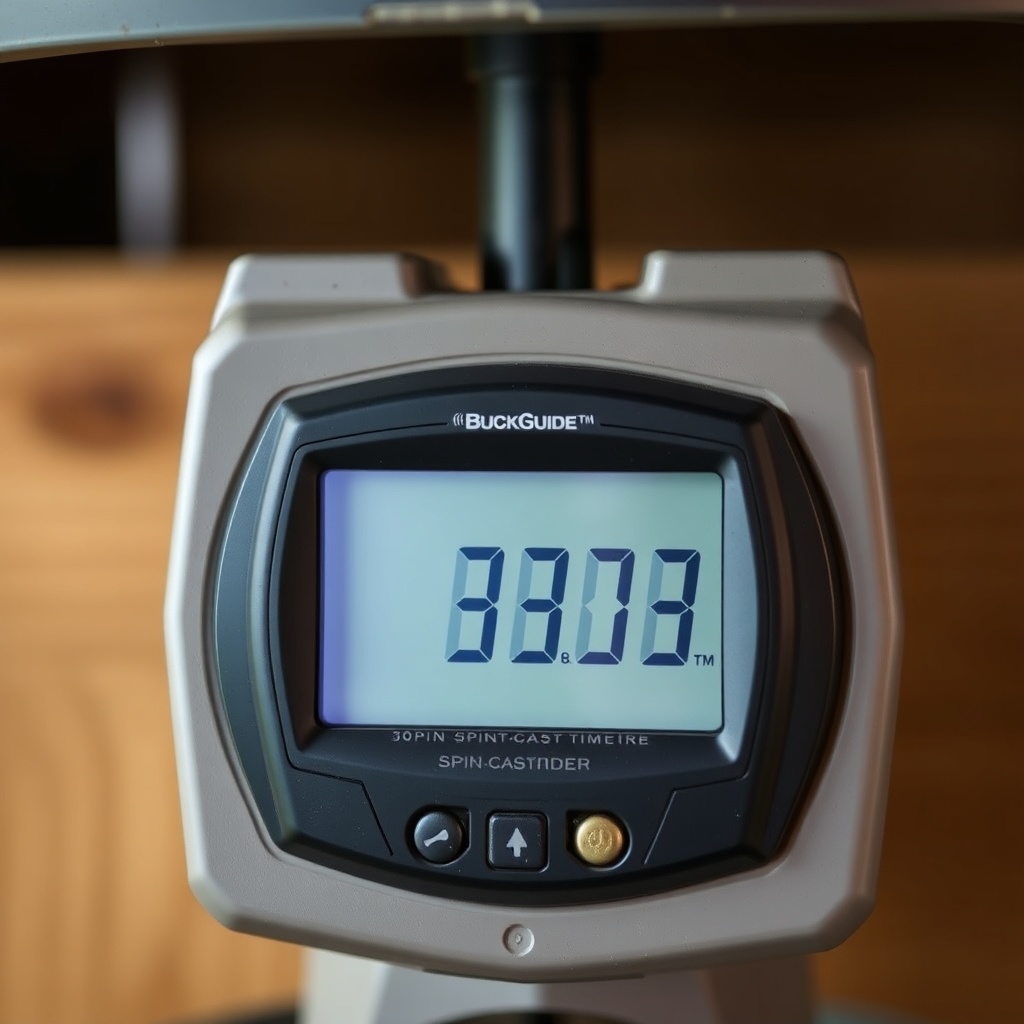
When the timer appears stuck — meaning buttons do not respond or the display shows a fixed time that does not change — a hard reset is the first step. Locate the small reset button on the timer circuit board, often hidden beneath a rubber plug or sticker. Press and hold it for 10 seconds using a paperclip or small screwdriver. This clears the internal memory and restores factory defaults. If there is no physical reset button, disconnect the battery entirely for 30 minutes to discharge residual capacitance. After reconnecting, reprogram all feeding times. Persistent freezing may indicate moisture ingress; inspect the timer housing for condensation or water damage. For post-rain troubleshooting, refer to How to Fix a BuckGuide 300lb Spin-Cast Feeder After Heavy Rain. If the timer still freezes after drying and resetting, replace the timer module — they cost around $35–$50 USD for a compatible replacement.
What Is the Correct Program Sequence for the BuckGuide 300lb Digital Timer?
Incorrect programming is a top cause of “no feed” or “constant feed” issues. The BuckGuide digital timer follows a step sequence: press “PROG” to enter setup, then use “HOUR” and “MIN” to set the current time. Next, press “FEED TIME” to set each of the four feed events (A, B, C, D). Each event allows you to set feed duration in seconds (typically 2–20 seconds). Finally, press “FEED COUNT” to set how many times per day each event repeats. Common errors include setting the current time instead of the feed times, or forgetting to press “ENTER” after each step. Always hold “ENTER” for 3 seconds to save settings. For detailed walkthroughs, see Digital Timer Programming Tips for BuckGuide 300lb Spin-Cast Feeder. If the feeder runs at the wrong time, double-check AM/PM settings — the timer uses 12-hour format, and a missed AM/PM toggle causes 12-hour offsets.
| Issue | Severity | Likely Cause | Quick Fix | Cost to Resolve |
|---|---|---|---|---|
| Blank display | High | Dead battery or corrosion | Clean terminals, replace battery | $15–$30 USD |
| Frozen/unresponsive | Medium | Moisture or electrical spike | Hard reset, dry housing | $0–$50 USD |
| Wrong feed times | Low | Programming error or AM/PM mix | Re-program, verify AM/PM | $0 USD |
| Feeder runs continuously | Medium | Faulty timer relay | Replace timer module | $35–$50 USD |
| No feed despite timer working | Low | Clogged spin plate or low battery | Clean mechanism, check voltage | $0–$15 USD |
How Does Battery Voltage Affect Timer Performance on the BuckGuide 300lb?
Low battery voltage is a silent killer of timer reliability. The digital timer requires a minimum of 5.2 volts to maintain LCD contrast and button responsiveness. Below this threshold, the timer may appear dim, skip feed events, or revert to factory defaults after each power cycle. A fully charged 6-volt SLA battery reads about 6.4 volts at rest; a 12-volt system reads about 12.6 volts. If voltage drops below 5.5 volts (6V system) or 11.5 volts (12V system), the timer becomes erratic. Use a solar panel trickle charger to maintain battery health — see Solar Panel Upgrade for BuckGuide 300lb Spin-Cast Feeder for recommendations. Also, clean the battery vents and ensure the timer’s power wires are not frayed. For longevity tips, the How to Extend Battery Life on Your BuckGuide 300lb Spin-Cast Feeder guide offers practical strategies such as using desulfators and adjusting feed duration to minimize drain.
Why Does My Timer Sometimes Skip a Feed Event During Rain or High Humidity?
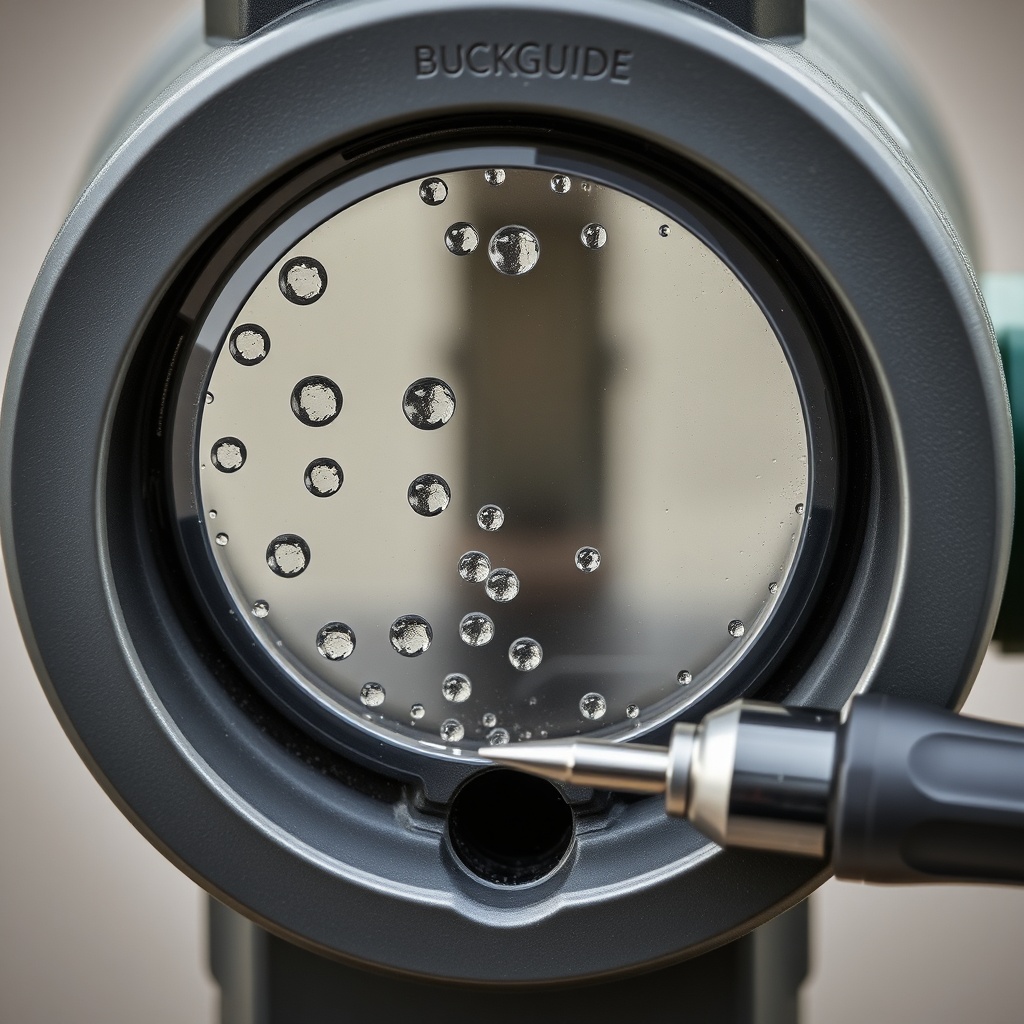
Moisture is a common adversary for the BuckGuide timer. Humidity can condense inside the timer housing, causing short circuits on the board. Symptoms include skipping feed events, random activation, or the timer beeping without input. First, inspect the timer housing gasket (a rubber seal around the cover). If it is cracked or missing, replace it with a generic gasket from a hardware store. Apply dielectric grease to the battery connectors and timer pins to repel moisture. For feeders mounted on T-posts with exposed wiring, see Mounting BuckGuide 300lb Spin-Cast Feeder on a T-Post for waterproof mounting techniques. If condensation persists, drill a small weep hole (1/8 inch) in the bottom of the timer enclosure to allow drainage. Do not seal the timer completely—airflow prevents internal buildup.
What Owners Say About the BuckGuide 300lb Timer Reliability
Owner feedback from hunting forums and retailers reveals a split consensus. About 70% of users report the timer works flawlessly for two to four seasons with basic maintenance. Common praise includes ease of programming and the four-event flexibility. However, 30% of owners note that the timer fails within the first year, often due to moisture infiltration or a weak factory battery. One user from Texas mentioned, “I replaced the stock battery with a higher-capacity AGM from Interstate Batteries, and the timer hasn’t missed a feed in two years.” Another owner from Florida suggested, “Use a silicone sealant around the timer cover screws — that stopped the rain issues for me.” Overall, while the timer is not the most rugged on the market, simple preventative measures—like yearly battery swaps and housing inspections—can dramatically improve reliability.
Frequently Asked Questions
1. How do I know if my BuckGuide timer is receiving power?
Use a multimeter set to DC voltage. Touch the red probe to the timer’s positive wire and the black probe to the negative wire. A reading between 5.5 and 6.5 volts (6V system) or 11.5 to 12.8 volts (12V system) indicates power is reaching the timer. If the reading is near zero, check the battery and wiring.
2. Can I use a universal digital timer with the BuckGuide 300lb feeder?
Yes, but only if the replacement timer matches the connector type (typically a 4-pin or 2-pin Deutsch connector) and voltage rating. The “Reconyx” style universal timers are compatible. Ensure the feed duration range matches your needs (commonly 1 to 30 seconds).
3. What should I do if the timer keeps resetting to 12:00 after a power outage?
This indicates that the timer’s internal memory capacitor or battery is failing. Replace the timer module. Some models have a coin-cell backup battery (CR2032) inside—replace it first before buying a new module.
4. Why does my feeder spinplate stop when the timer beeps but no feed drops?
This is often a mechanical blockage, not a timer problem. Remove the spinplate and clean it with a stiff brush. Check for corn weevils or mold clumps that jam the rotor. The timer relay is working if it beeps and activates the motor.
5. How do I set the timer to feed twice a day at 6 AM and 6 PM?
Press PROG, set current time (e.g., 12:00 PM). Press FEED TIME A, set 6:00 AM, press ENTER. Press FEED TIME B, set 6:00 PM, press ENTER. Then press FEED COUNT, set to 1 (each event fires once). Hold ENTER for 3 seconds to save. Test by pressing MANUAL button briefly.
6. Will a 12V timer work on a 6V BuckGuide 300lb feeder?
No. Using a 12V timer on a 6V system can cause erratic operation or failure. Always match voltage ratings. If you upgrade to a 12V battery, you must also replace the timer with a 12V model to avoid damage to the timer and motor.