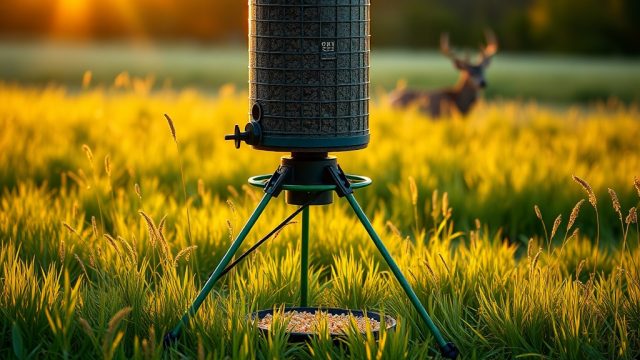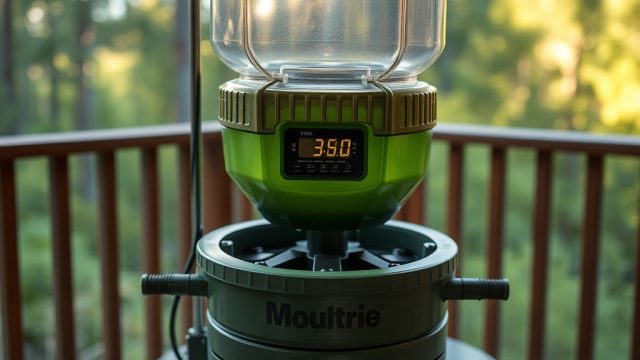
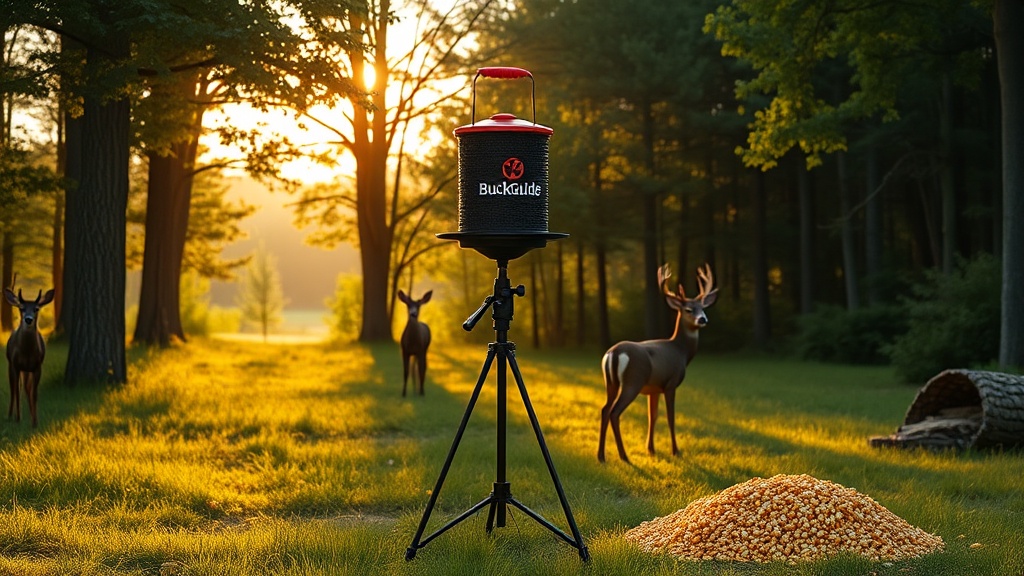
Digital Timer Programming Tips for BuckGuide 300lb Spin-Cast Feeder
Mastering the digital timer on your BuckGuide 300lb Spin-Cast Feeder is the key to consistent, effective deer feeding and avoiding wasted corn. Whether you are setting up for the first time or troubleshooting an existing schedule, these programming tips will help you get the most from your unit for the long term.
This article covers essential timer settings, common mistakes, and practical adjustments for different seasons and deer pressure. For related maintenance, see the Battery Replacement Guide and How to Extend Battery Life.
How Do I Set the Correct Time of Day on the BuckGuide 300lb Timer?
Programming the clock is the foundation of all timer operations. If the clock is wrong, every feeding event will occur at the wrong time, and deer will learn to avoid the feeder when it does not dispense at the expected hour.
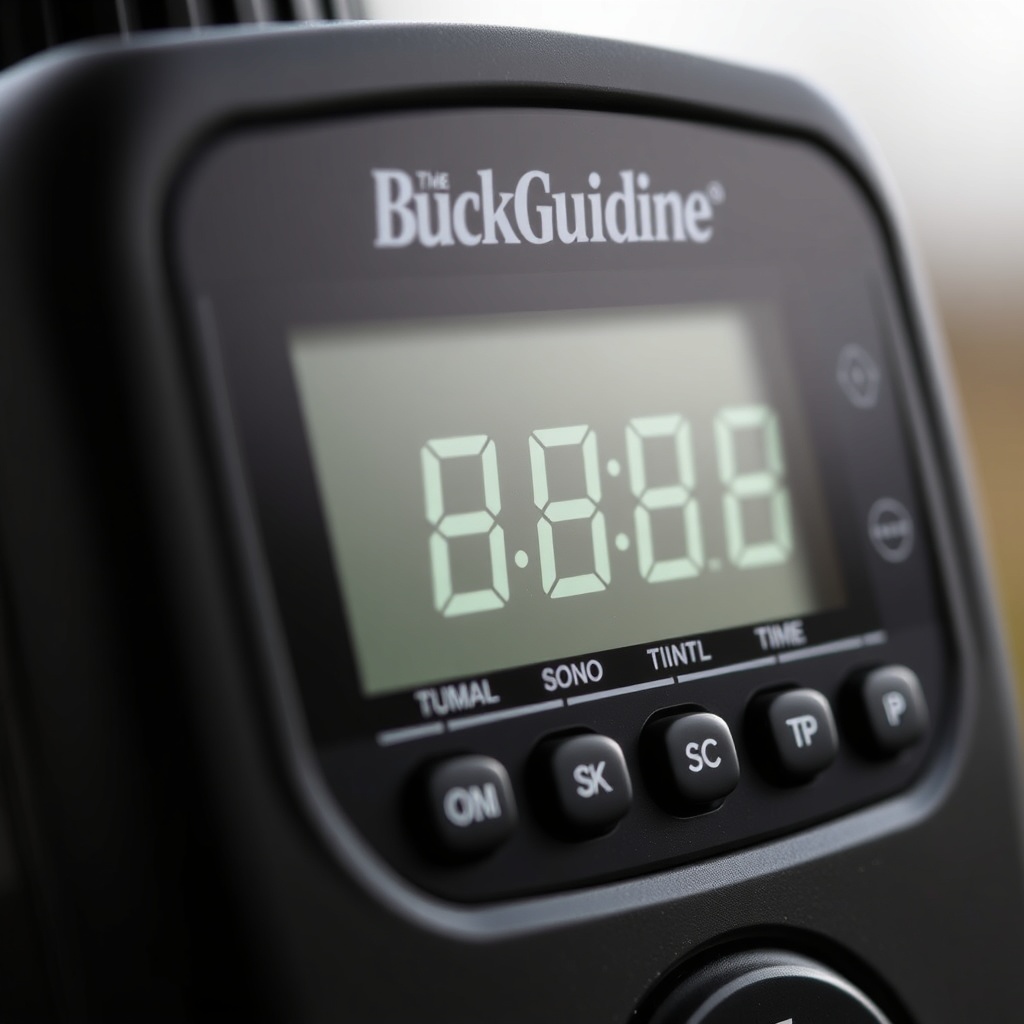
Press the “SET” button until the hour digits flash (usually after 3 seconds). Use the “▲” or “▼” buttons to adjust the hour in 1-hour increments. Press “SET” again to move to the minute digits, then adjust similarly. Ensure that AM/PM is correct—most units use a 12-hour display with a small indicator. After setting, press “SET” once more (or wait 10 seconds) to lock the time.
A common oversight is forgetting to adjust for daylight saving time. Twice a year, manually shift the clock one hour forward or backward. The unit does not auto-adjust, so mark your calendar. If the battery is disconnected or dies, the clock resets to 12:00 AM, requiring a full reprogram—see the Solar Panel Upgrade guide for maintaining consistent power.
What Are the Best Feed Duration and Frequency Settings for Deer?
The BuckGuide 300lb Spin-Cast Feeder allows you to set feed duration (how long the motor runs, typically 1–30 seconds) and feeding frequency (1–6 times per day). Most deer managers find a sweet spot between attracting deer without creating too much competition or waste.
A standard starting point is 3–4 seconds of spin time, which dispenses roughly 3–4 pounds of corn per event. In cooler months or when deer density is high, you might increase to 5 seconds. Run the feeder 2–3 times per day—typically early morning (6–7 AM) and late afternoon (4–5 PM). Adding a third feeding at midday can help during the rut when deer move irregularly.
Overfeeding is a common mistake. Too much corn left on the ground attracts feral hogs, raccoons, and can cause souring. Monitor consumption: if you see leftover corn after 2 hours, reduce duration or skip a feeding. The table below offers a quick reference for different scenarios.
| Deer Density per 100 Acres | Season | Feed Duration (sec) | Feedings per Day | Pounds per Event (approx) |
|---|---|---|---|---|
| Low (0–10) | Pre-rut | 2–3 | 2 | 2–3 |
| Moderate (10–20) | Peak rut | 4 | 3 | 3–4 |
| High (20+) | Winter | 5–6 | 2 | 5–6 |
| Hog pressure | Any | 2–3 | 1–2 | 2 |
For more on protecting your feeder from nuisance animals, refer to Varmint Control Tips.
Why Does the Timer Skip Feedings or Not Start at the Set Time?
If your BuckGuide 300lb Spin-Cast Feeder misses feedings or starts late, the problem usually lies in one of three areas: power supply, clock setting, or programming order. First, check the battery voltage with a multimeter. A fully charged 12V battery should read 12.6–13.2 volts. If below 11.8 volts, the timer may still display a time but lacks the power to spin the motor. See How to Extend Battery Life for troubleshooting.
Second, confirm that the clock is set to the correct AM/PM. A mis-set AM/PM means the feeder might activate at 6 PM instead of 6 AM, or not at all if the time window passes. Third, review the programming sequence: some units require setting feed time #1, then #2, and so on. If you skip feed time #2, the timer might default to a 24-hour cycle from the last set event, creating erratic schedules.
If the timer still fails, try a factory reset (hold “SET” and “▼” simultaneously for 5 seconds) and reprogram from scratch. Moisture corrosion on the timer board can also cause misfires—after heavy rain, inspect the compartment. The article How to Fix a BuckGuide 300lb Spin-Cast Feeder After Heavy Rain covers drying and resealing procedures.
Can I Program the Timer to Skip Days or Only Feed Certain Days of the Week?
The BuckGuide 300lb Spin-Cast Feeder’s basic digital timer does not have a weekly calendar or day-skip function. It runs its programmed feed times every day without variation. This is intentional to create a reliable pattern that deer learn quickly. However, many hunters want to skip days to preserve corn or to reduce pressure during hunting days.
A workaround is to manually turn the feeder OFF using the main switch, then turn it ON again when you want feedings to resume. For example, if you hunt Saturday and Sunday, flip the switch to OFF on Friday night and back ON Monday morning. Alternatively, you can reduce feed duration to one second, which dispenses less than a pound, simulating a “skip” while keeping the motor running.
If you need a more flexible schedule, consider upgrading to an aftermarket programmable timer that supports 7-day programming. Some models allow you to set different feed times for weekdays versus weekends. When modifying the timer, ensure the wiring matches the BuckGuide 300lb motor specs. For mounting advice when adding an aftermarket timer box, see Mounting on a T-Post.
How Do I Program Multiple Feed Times Without Overlapping?
Programming multiple feed times (up to 6 on most BuckGuide timers) requires careful spacing to avoid overlapping events. If two feed times are set less than 30 minutes apart, the timer may skip the second one to prevent motor burnout. The manufacturer recommends a minimum of 2 hours between feedings to allow deer to consume the corn and to avoid attracting predators to a continuous food source.
To program, press “SET” until “F-1” appears. Set the hour, minute, and AM/PM for the first feeding. Press “SET” again to see “F-2” and repeat. Continue for all desired feed times. If you change your mind, you can clear individual feed times by setting the duration to 0 seconds for that event. For example, set F-3 duration to 0 if you only want 2 feedings per day. The timer will automatically skip a feed time with 0 duration without deleting the time entry.
Also, ensure that the feed duration for each event is not longer than the gap between events. If you set a 30-second duration (dispensing 30+ pounds) and only have one hour between feedings, the corn will pile up and spoil. Adjust the duration to match your feeding gap, ideally no more than 5 seconds per event for typical setups.
What Do Owners Say About Programming This Feeder?
Owners of the BuckGuide 300lb Spin-Cast Feeder consistently praise the timer’s straightforward interface but note a few pain points. One common comment is that the buttons are small and require a pen tip to press accurately, especially when programming in low light. Many owners recommend programming the timer indoors before mounting the feeder to avoid fumbling in the field.
Another recurring feedback is the absence of a battery level indicator on the display. Users suggest pairing the feeder with a voltmeter or a simple LED voltage display to monitor battery health. Those who added a solar panel, as detailed in Solar Panel Upgrade, report that their timers remained accurate for months without resetting.
Positive experiences center on the timer’s reliability after initial setup. One owner from Texas shares that it ran flawlessly for two full seasons only needing a battery change, with feedings exactly at dawn and dusk daily. Others note that the unit responds well to the “test” feature, which runs the motor for 2 seconds without affecting saved programs. This test mode is useful for verifying spin mechanism and battery connection without reprogramming.
Hunters also caution that the timer’s memory is volatile if the battery completely dies. If voltage drops below 9V, the timer resets to factory defaults. To prevent this, perform monthly battery checks, especially during hot summers when battery discharge accelerates. The Battery Replacement Guide provides a step-by-step for swapping out a twelve-volt deep-cycle battery.
Frequently Asked Questions
How many feed times can the BuckGuide 300lb timer store?
It can store up to six independent feed times per day. Each feed time includes a separate hour, minute, AM/PM, and duration setting.
What does the “TEST” button do on the timer?
The “TEST” button runs the motor for 2 seconds to confirm the spinning plate and battery are functional. It does not save or alter your programmed feed schedule.
My timer shows “E-1” on the display. What does that mean?
Error code “E-1” usually indicates a motor stall or jam. Check the spinner plate for obstructions, such as corn cobs or debris, and ensure the motor wires are securely connected.
Can I change the feed duration after I’ve set the times?
Yes. Press “SET” until you reach the desired feed slot (F-1 through F-6). Use “▲” or “▼” to adjust the seconds (1–30). The new duration applies only to that feed time.
Will the timer remember my settings if I remove the battery?
No. The timer relies on constant battery power to retain clock and schedule data. Disconnecting the battery for more than a few seconds will reset all settings to factory defaults. Always disconnect the battery only when you plan to reprogram immediately.
What type of battery does the timer require?
The BuckGuide 300lb Spin-Cast Feeder operates on a 12-volt deep-cycle or marine battery. A 12Ah or larger battery is recommended for typical use. For longer runtime, upgrade to a 20Ah or 30Ah battery.