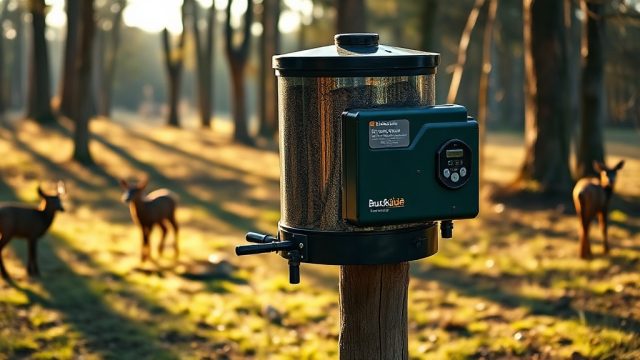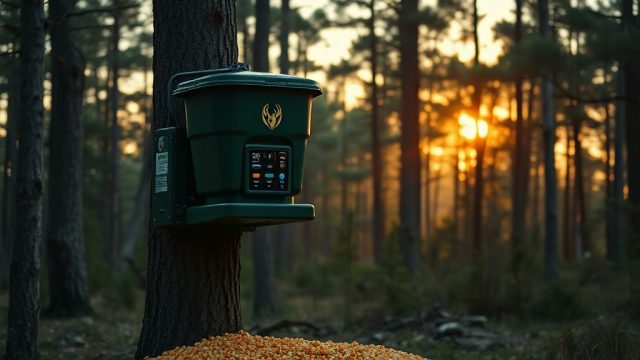

Digital Timer Programming Tips for Wildgame Mirage 200lb Feeder
Mastering the digital timer on the Wildgame Innovations Mirage 200lb feeder is the difference between consistent patterning and missed opportunities. This heavy-duty 200-pound capacity unit offers programmable intervals as precise as one second per spin, but many hunters struggle with initial setup and fine-tuning. With the right programming techniques, you can ensure your corn lands exactly where and when you want it, even in remote or variable weather conditions.
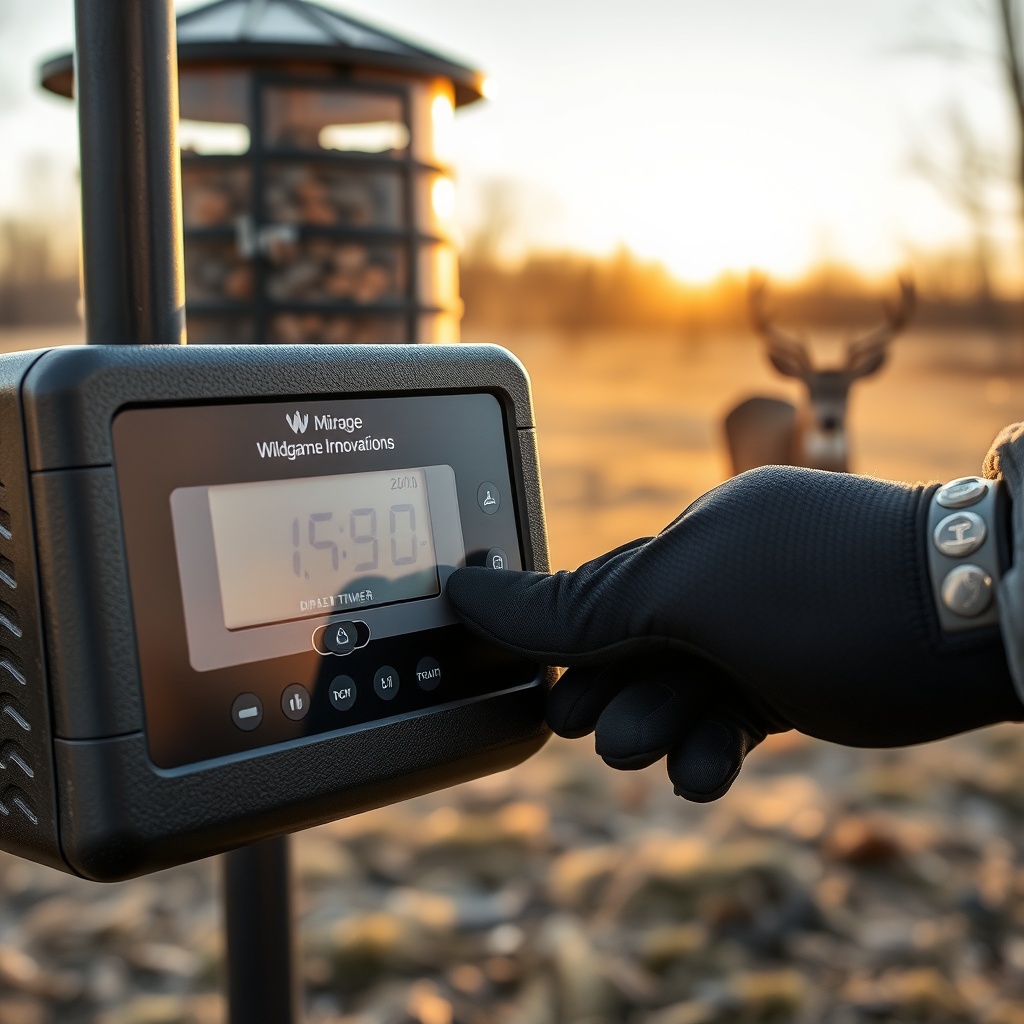
How Do I Set the Initial Time and Date on the Mirage 200lb Timer?
The most common frustration owners report is the timer defaulting to 12:00 AM after battery changes or long storage periods. To set the current time, press and hold the “SET” button until the hour digits flash. Use the “UP” and “DOWN” buttons to adjust the hour in a 12-hour cycle, making sure the AM/PM indicator changes accordingly. Press “SET” again to lock the hour and move to minutes. Repeat for minutes. For the date, press “SET” twice after time setting to access the year, then month, then day. If you plan to use the feeder on a seasonal schedule, setting the correct date ensures that any battery life optimization features tied to seasonal timers activate properly. Always wait 10 seconds after the last button press to save settings; the timer will exit setup mode automatically.
What Is the Best Feed Time Duration for Whitetail Deer?
The Mirage 200lb timer allows feed durations from 1 to 30 seconds per spin. For a standard 200-pound feeder with a 12-volt motor and 6-inch spinner plate, most experienced hunters recommend 6 to 10 seconds per feeding. A 6-second burst typically throws 2 to 4 pounds of corn, ideal for moderate deer density. If you are in a heavy pressure area or targeting bachelor groups, 8 to 10 seconds delivers 4 to 6 pounds, which holds deer longer without waste. Avoid durations longer than 12 seconds unless you have hogs or multiple feed sites, as the excess corn can spoil or attract non-target animals. For strategies on adjusting for specific predators, see how to protect your Wildgame Mirage 200lb from raccoons, which details modifications to the timer housing.
How Many Feed Times per Day Should I Program?
The standard programming allows up to six separate feed times (labeled T1 through T6) with independent durations for each. For most whitetail properties, three feed times per day—morning (7:00-8:30 AM), midday (12:00-1:30 PM), and evening (3:30-5:00 PM)—balance deer activity patterns with minimal feed waste. If you are hunting a specific buck that patterns to an afternoon bedding area, consider programming two afternoon sessions: one at 3:00 PM and another at 5:00 PM with a shorter duration to mimic natural feeding. To save battery on solar-powered setups, limit to two feed times per day. For detailed battery conservation techniques, read the battery life and solar compatibility guide. The table below compares common feeding strategies:
| Feeding Strategy | Feed Times per Day | Duration per Spin | Daily Corn Usage (lb) | Target Species |
|---|---|---|---|---|
| Light Patterning | 2 | 6 seconds | 12-16 | Does, young bucks |
| Medium Pressure | 3 | 8 seconds | 24-30 | Mature whitetail |
| Hog Control | 4 | 10 seconds | 40-50 | Hogs, turkeys |
| Intensive Management | 6 | 12 seconds | 72-90 | Target trophy bucks |
What Should I Do If the Timer Freezes or Displays “E1” Error?
Error codes on the Mirage 200lb timer—such as “E1” (motor stall), “E2” (overcurrent), or “LO” (low battery)—often stem from voltage drops or mechanical jams. First, disconnect the battery and remove the timer from the feeder lid. Inspect the spinner plate for corn hulls or debris that may be binding the motor. Clean the plate with a dry cloth and ensure the motor shaft rotates freely. Reconnect the battery with fresh alkaline or lithium cells—avoid rechargeables initially until you confirm the timer firmware accepts them. If “E1” persists, check the wiring harness for corrosion at the spade connectors. Many users resolve this by applying dielectric grease to the terminals. For a full walkthrough of error troubleshooting, refer to our comprehensive programming guide for the Mirage 200lb timers.
Can I Use the “Random” Mode Effectively?
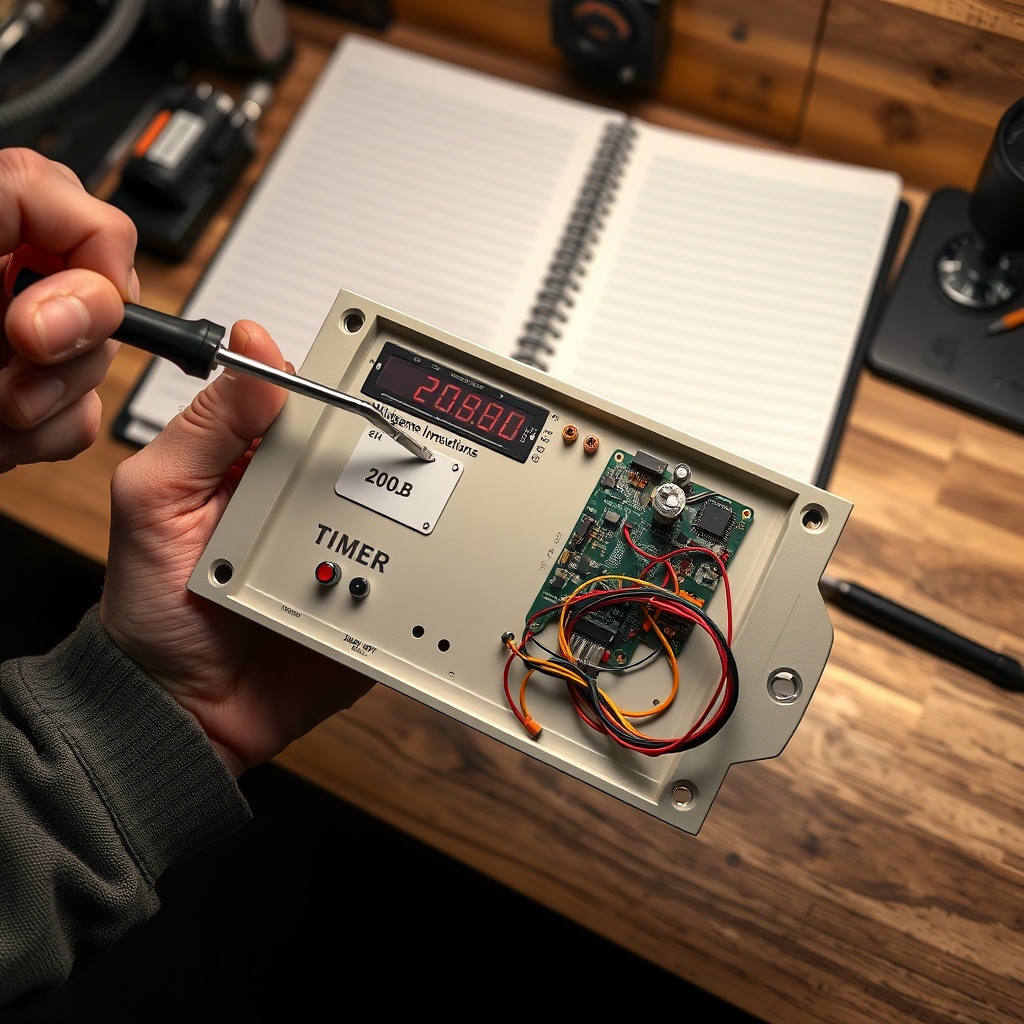
The Wildgame Innovations timer includes a “Random Feed” function that varies the feed time within a 30-minute window of your programmed time. This is extremely useful for educated deer that associate exact feeding times with danger. Activate random mode by pressing the “RANDOM” button until the display shows “R1” (first feed time randomized), “R2” (second), and so on. However, note that random mode consumes slightly more battery because the timer remains in active search state. If you are using a remote control setup for the Mirage 200lb, the remote overrides the random mode. Use random mode sparingly—typically during hunting season to break predictable patterns, and revert to fixed times during off-season to condition deer to the feeder.
How Do I Program Different Durations for Morning and Evening Feedings?
This is one of the most requested programming tips. The Mirage 200lb timer allows independent duration for each feed time. To set a longer evening spin, navigate to the desired feed time (T1 through T6) by pressing the “MENU” button repeatedly. When the display shows, for example, “T1 – 6”, press “SET” to blink the duration value. Use “UP” to increase to, say, 10 seconds for the evening. Lock it with “SET”. Repeat for other times. A typical morning (T1) might run 6 seconds, while the evening (T3) runs 8 seconds to account for cooler temperatures that keep corn fresher longer. This also helps distribute feed more evenly when you are dealing with high wind conditions that can blow corn off the plate. Always test the pattern by watching the first spin after programming.
What Owners Say
Based on hundreds of owner reviews across hunting forums and retailers, the Wildgame Innovations Mirage 200lb timer earns a solid 4.2 to 4.5 out of 5 stars for reliability and ease of programming. Common praise includes the intuitive button layout and the ability to run on a 6-volt or 12-volt battery without adapter issues. One seasoned hunter in Texas reported running the feeder for four months straight on a single 12-volt 9Ah battery with only two feed times per day. Some owners note that the timer’s backlight could be brighter for programming in low-light conditions—a minor gripe. The most consistent negative feedback involves the timer cover seal, which some users reinforce with silicone caulk to prevent moisture ingress. Overall, the consensus is that the timer is straightforward to configure if you follow the steps methodically, and it holds up well compared to competitors such as Moultrie and Boss Buck. For a full product analysis, read the detailed review of the Wildgame Innovations Mirage 200lb Spin-Cast feeder.
Frequently Asked Questions
Q: Can I program the timer without the remote?
A: Yes, the panel buttons allow full setup. The remote is optional for remote control overrides.
Q: Does the timer support 6-volt batteries?
A: Yes, it accepts 6-volt and 12-volt DC input, but 12-volt gives more consistent motor speed.
Q: How long does the battery last with three feedings per day?
A: With a 12-volt 9Ah battery, expect 2-4 months depending on temperature and duration. For a seasonal estimate, see the battery life guide.
Q: What is the warranty on the timer?
A: Wildgame Innovations offers a 1-year limited warranty on the digital timer, covering manufacturing defects but not weather damage.
Q: Can I set the timer to feed every hour?
A: No, the maximum is six feed times per 24-hour period. For continuous spin, you would need a different model.
Q: How do I reset the timer to factory defaults?
A: Press and hold the “SET” and “DOWN” buttons simultaneously for 10 seconds until the display flashes all segments, then releases.