Programming the digital timer on your BuckGuide 300lb Spin-Cast Feeder is the key to efficient, hands-off deer feeding. A correctly set timer ensures precise feed distribution, conserves battery life, and minimizes waste from overfeeding. This guide provides step-by-step timer setup instructions, common troubleshooting, and expert tips to get the most from your unit.
How Do I Access the Timer Programming Mode on the BuckGuide 300lb Spin-Cast Feeder?
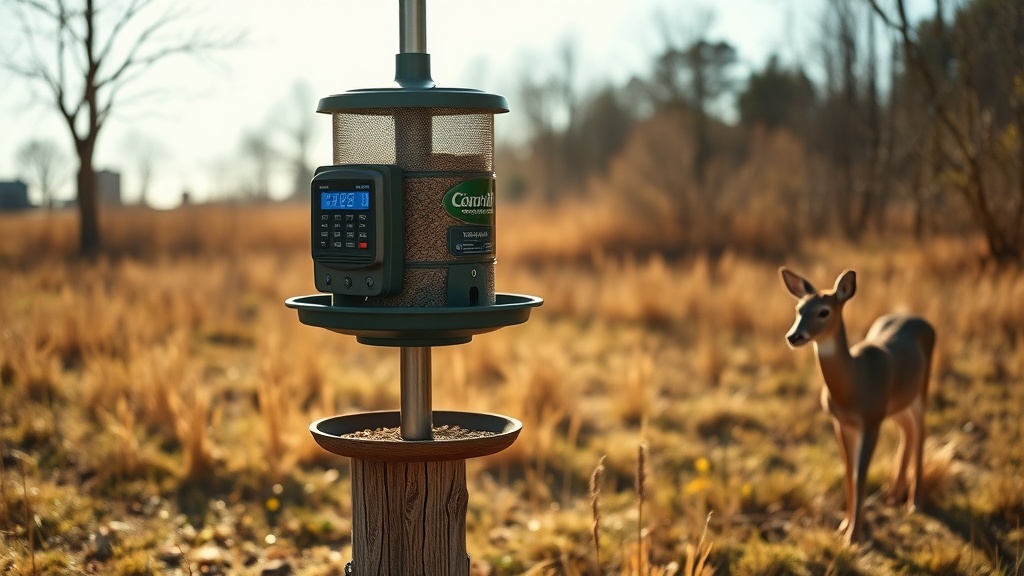
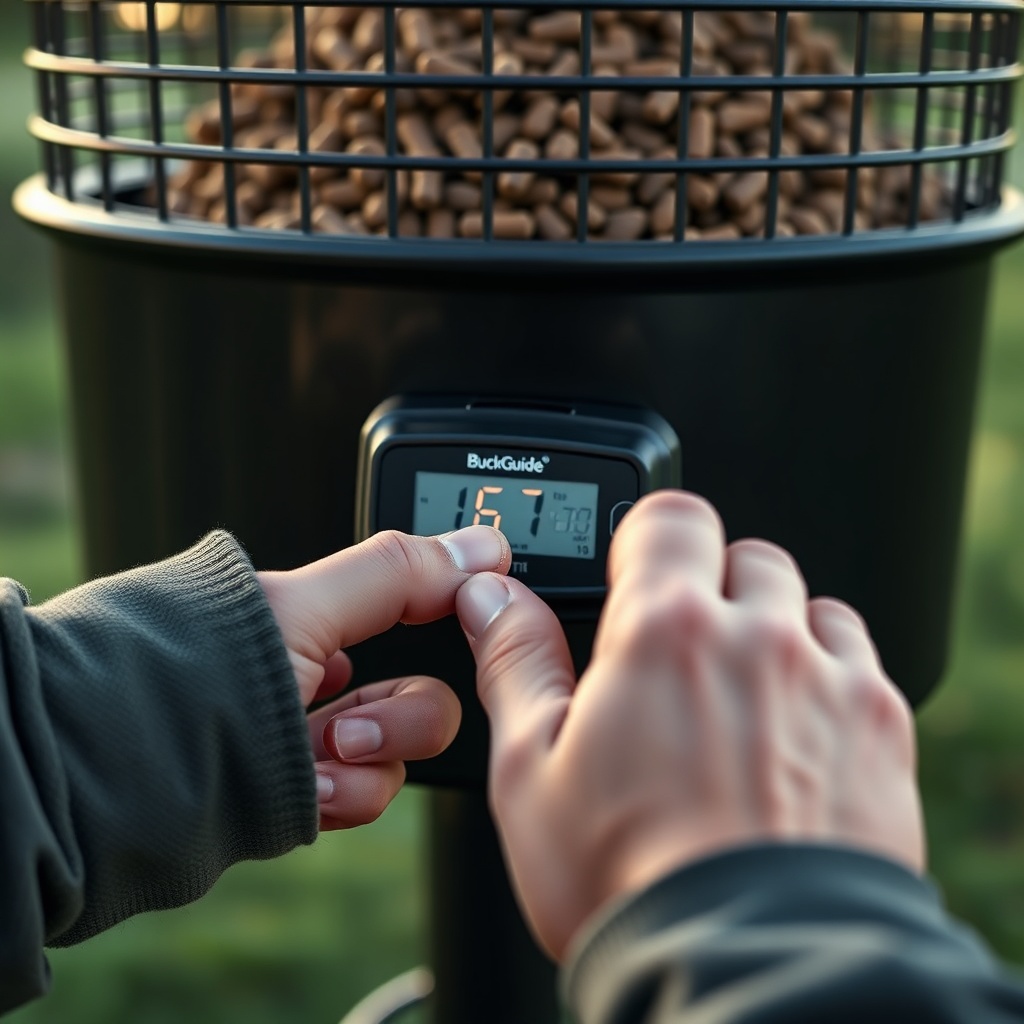
To begin programming, locate the control panel on the motor housing. The BuckGuide 300lb Spin-Cast Feeder uses a standard six-button digital timer. Press and hold the SET button for three seconds until the display flashes. This indicates you are in programming mode. You will see the current time or feed time settings blinking. If the unit has been idle, the display shows the current time; pressing SET once enters the feed-time adjustment mode. Refer to your owner’s manual for button naming, as older models may label the button as PROG. Once in programming mode, you can adjust feeding times, duration, and frequency.
What Are the Recommended Default Timer Settings for the BuckGuide 300lb Spin-Cast Feeder?
Most deer managers start with two feedings per day: one at dawn and one at dusk. For the BuckGuide 300lb Spin-Cast Feeder, a typical default is a three-second spin time per feeding. This distributes approximately 4-5 pounds of corn per feeding, depending on the spinner plate adjustment and corn kernel size. The table below shows recommended settings for different herd management goals:
| Management Goal | Feedings per Day | Spin Time (seconds) | Estimated Lbs. per Feeding | Battery Savings |
|---|---|---|---|---|
| Supplement feeding (small herd) | 2 | 3 | 4-5 | High |
| Herd growth / food plot complement | 3 | 4 | 6-8 | Medium |
| Winter emergency feeding | 4 | 5 | 9-10 | Low |
| Attractant for hunting season | 2 | 2 | 3-4 | High |
For initial setup, use the 2-feeding, 3-second profile. After a week, monitor how quickly deer consume the feed. If corn remains uneaten, reduce spin time by one second. If it is cleaned up in under two hours, consider increasing to four seconds.
How Do I Set the Feed Times and Duration on the BuckGuide 300lb Spin-Cast Feeder?
Once in programming mode, follow these steps:
- Set feed time 1: Press SET to confirm the first feeding hour (use + or – to adjust). Press SET again for minutes. Then press SET to confirm the feeding duration (in seconds).
- Set feed time 2: The display will proceed to the second feeding time automatically. Repeat the hour, minute, and duration steps.
- Additional feedings: Most BuckGuide 300lb Spin-Cast Feeder timers support up to four feedings. Continue pressing SET until you cycle through all feed slots.
- Exit programming mode: Press SET and hold for three seconds, or wait 15 seconds for auto-exit. The display returns to the current time.
Remember that the duration is in seconds, not minutes. A common mistake is setting duration to 30, which would spin the spinner plate for 30 seconds and dump over 20 pounds of corn. Always double-check duration settings before leaving the feeder.
Why Does My BuckGuide 300lb Spin-Cast Feeder Timer Reset or Lose Programming?
Timer resets are frequently caused by weak batteries or accidental button presses. The BuckGuide 300lb Spin-Cast Feeder uses a 6-volt rechargeable battery (or two 6-volt batteries in some setups). If voltage drops below 5.5 volts, the timer may lose its programming. Check battery voltage with a multimeter. Also, moisture can cause short circuits on the control board. Apply dielectric grease to the battery terminals and ensure the timer cover’s gasket is seated properly. For winter use, consider the Winter Performance of Solar Panels on BuckGuide 300lb Spin-Cast Feeder to maintain consistent power. If the timer resets frequently despite fresh batteries, the internal backup battery (a CR2032 coin cell) may be exhausted. Open the timer compartment and replace the coin cell.
Can I Adjust the Spinner Plate Opening to Fine-Tune Feed Distribution?
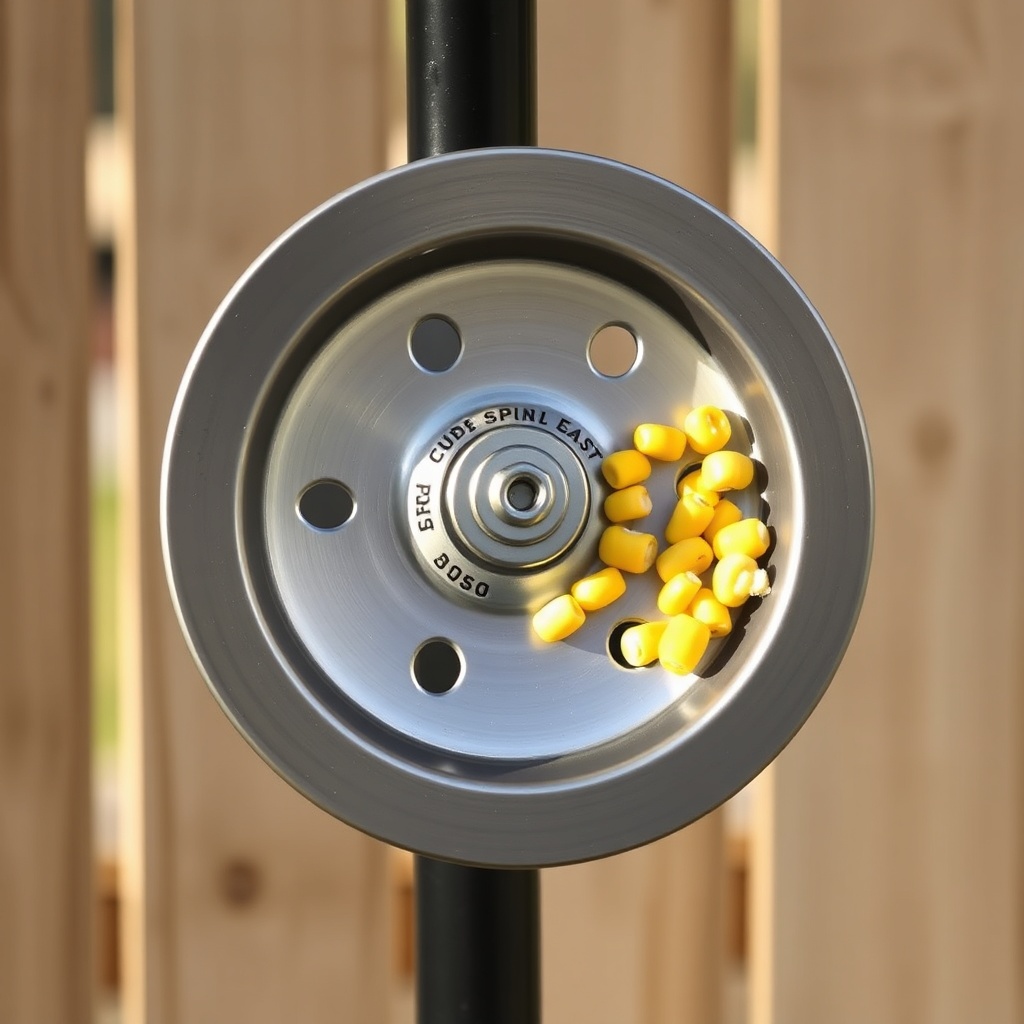
Yes. The BuckGuide 300lb Spin-Cast Feeder’s spinner plate has an adjustable opening. After setting your timer, you can fine-tune the amount of corn thrown per second. Loosen the wing nut under the spinner plate, then slide the metal plate to expose more or less of the opening. A wider opening throws more corn per second; a narrower opening distributes less but extends the spin time needed. This adjustment is useful when using different feed types (corn, soy, pellets). For example, if you set a two-second spin time but want to serve more feed, widen the opening instead of increasing duration. Combine this with Using a Remote Control with BuckGuide 300lb Spin-Cast Feeder for instant testing without changing settings.
How Do I Program the BuckGuide 300lb Spin-Cast Feeder for Seasonal Daylight Savings?
Daylight Saving Time changes can confuse deer feeding routines. The BuckGuide 300lb Spin-Cast Feeder timer does not automatically adjust for DST. You must manually update the current time twice a year. Enter programming mode by pressing SET for three seconds, then press SET again until the time display begins to flash. Use + and – to adjust the hour forward or backward by one. Press SET to save. This is crucial because feeding times will be off by one hour, and deer quickly notice the discrepancy. For winter care specifics, see Winter Care Tips for BuckGuide 300lb Spin-Cast Feeder which includes handling battery and timer performance in cold conditions.
What Owners Say
Hunters and property managers who have programmed the BuckGuide 300lb Spin-Cast Feeder timer consistently praise its simplicity and reliability. One user from Texas reported: “I set it up in five minutes. The three-second spin at dawn and dusk is perfect. I check the battery every two weeks, and it’s been flawless for two seasons.” Another owner in Michigan noted: “After the first winter, I realized I needed to reduce feed time to two seconds because the deer weren’t cleaning it up. The timer made adjustment easy. I also paired it with the Remote Control Setup for BuckGuide 300lb Spin-Cast Feeder and it’s been a game-changer for pattern feeding.” However, a common complaint involves the timer buttons being small, requiring a narrow tool to press. Users recommend storing a paperclip in the feeder’s tool compartment for adjustments.
Frequently Asked Questions
Q: How do I reset the BuckGuide 300lb Spin-Cast Feeder timer to factory defaults?
A: Press and hold both the SET and + buttons simultaneously for five seconds. The display will show “00:00” and then return to the current time. All feed schedules will be erased. Reprogram as desired.
Q: Can I use the timer to feed only once per day?
A: Yes. When programming, set feed time 2 to the same time as feed time 1, or skip it by pressing SET without entering values. Some models require you to set the duration to 0 for skipped slots.
Q: How accurate is the timer over a month?
A: The BuckGuide 300lb Spin-Cast Feeder timer is accurate to within ±2 minutes per month under normal temperatures. Extreme cold (below -20°F) can slow the quartz crystal by up to 5 minutes per month.
Q: Why does the timer spin the feeder at random times?
A: This usually indicates a mis-programmed or corrupted schedule. Factory reset the timer and re-enter each feed time manually. Also, check if the BuckGuide 300lb Spin-Cast Feeder Remote Control Range Test and Setup is interfering—a remote left depressed can trigger unscheduled feeds.
Q: What battery does the timer backup require?
A: The backup battery is a CR2032 3-volt lithium coin cell. Replace it annually to prevent program loss when the main battery is disconnected.
Q: How do I test the timer without waiting for scheduled feed time?
A: Press and hold the TEST button (often labeled FEED or MANUAL) for two seconds. The feeder will spin for the set duration of the first feeding time. This is useful for verifying the spinner plate adjustment.