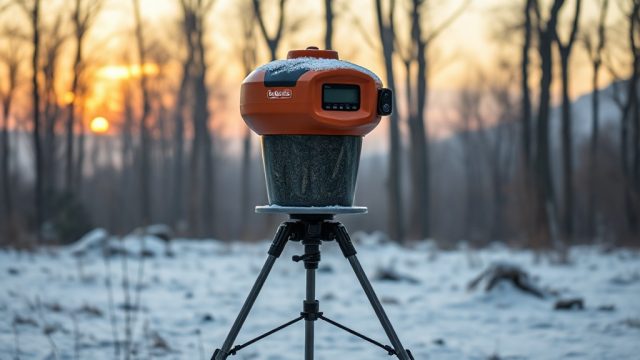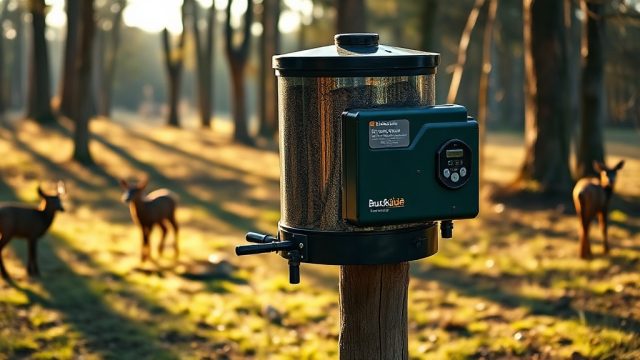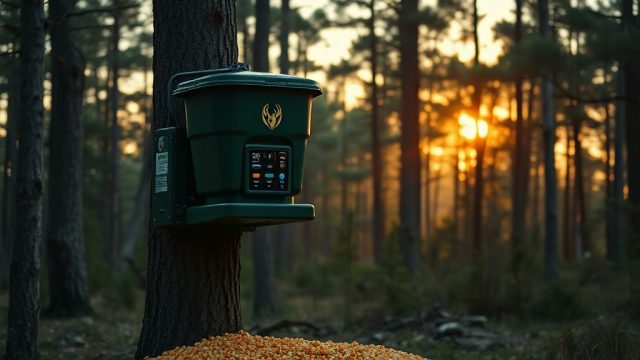

Using a Remote Control with BuckGuide 300lb Spin-Cast Feeder: Mastering Timer Programming
Managing the feeding schedule for your deer herd requires precision and reliability, and the BuckGuide 300lb Spin-Cast Feeder delivers both when you master its timer programming. This feeder, capable of holding 300 pounds of corn or pellets, becomes even more effective when you pair its built-in timer with the optional remote control. Understanding how to program the timer and use the remote ensures you feed on your terms, even when you’re miles from the stand.
This article walks you through every step of timer programming for the BuckGuide 300lb Spin-Cast Feeder, including remote control integration. We will cover clock accuracy, feed times, duration settings, and troubleshooting common issues, all while keeping your setup efficient and battery-friendly. Whether you are a seasoned deer manager or just starting out, these tips will help you take full control of your feeding strategy.
How Do I Set the Clock on the BuckGuide 300lb Spin-Cast Feeder Timer?
The first step in timer programming is ensuring the internal clock is accurate. The BuckGuide 300lb Spin-Cast Feeder uses a 24-hour military format. To set the clock, press the SET button on the timer panel until the hour digits flash. Use the + or – buttons to adjust the hour. Press SET again to move to minutes, adjust with +/–, then press SET to confirm. The clock will now start from that moment. If you are using the remote control, synchronize the remote’s clock by pressing the SYNC button after setting the timer panel. Some users find that after a battery replacement, the clock resets—always check it after changing batteries.
For hunters in the UK, remember that the timer runs on GMT year-round unless you manually adjust for BST. If you program feed times in BST, the timer will shift an hour when clocks change, unless you update it. A simple tip: keep the timer on GMT and then adjust your remote control display to show local time. This avoids confusion during the spring and autumn clock changes.
What Feed Time Settings Should I Use for the BuckGuide 300lb Spin-Cast Feeder?
The BuckGuide 300lb Spin-Cast Feeder allows up to 6 feed times per day, each programmable to the minute. For most deer management, two to three feed times per day is sufficient. Program feed times by pressing PROG on the timer panel. The display will show FEED1. Use +/– to set the hour and minute, then press SET to lock. Repeat for FEED2 through FEED6 as needed. For best results, set feed times around dawn and dusk—for example, 06:30 and 17:30 in the UK, or adjust for your local sunrise/sunset.
Using the remote control, you can also activate a manual feed or override the programmed schedule. This is useful if you need to fill the feeder after installation or after heavy rain. However, be cautious: manual feeds using the remote will count toward your daily feed duration total if the timer is set to limit daily spin time. For extended battery life, avoid excessive manual feeds. Refer to our guide on how to extend battery life for more tips.
| Feed Time Number | Clock Setting (24h) | Duration (seconds) | Corn Amount (approx.) |
|---|---|---|---|
| Feed 1 | 06:30 | 6 seconds | 1.5 kg |
| Feed 2 | 12:00 | 4 seconds | 1 kg |
| Feed 3 | 17:30 | 6 seconds | 1.5 kg |
| Feed 4 | Off | 0 | None |
| Feed 5 | Off | 0 | None |
| Feed 6 | Off | 0 | None |
How Do I Program the Feed Duration on the BuckGuide 300lb Spin-Cast Feeder?
Feed duration controls how long the spinner plate runs during each feed time. Too short, and deer get little food; too long, and you waste corn and drain the battery. On the BuckGuide 300lb Spin-Cast Feeder, duration can be set from 1 to 30 seconds per feed. To adjust, press DUR on the timer panel. The display will show the current duration for FEED1. Use +/– to change it, then press SET. Repeat for each feed time. A common starting point is 6 seconds per feed for corn, which delivers roughly 1.5 kg—ideal for a medium-sized deer herd.
When using the remote control, you can view the current duration settings on the remote’s LCD screen. Some remotes allow you to adjust duration remotely if the feeder’s timer supports two-way communication—check your model. If you notice that the feeder throws less than expected, the spinner plate may be clogged or the battery voltage low. After heavy rain, check the timer unit for moisture ingress, which can affect duration accuracy. Always confirm the duration by running a test feed after any programming changes.
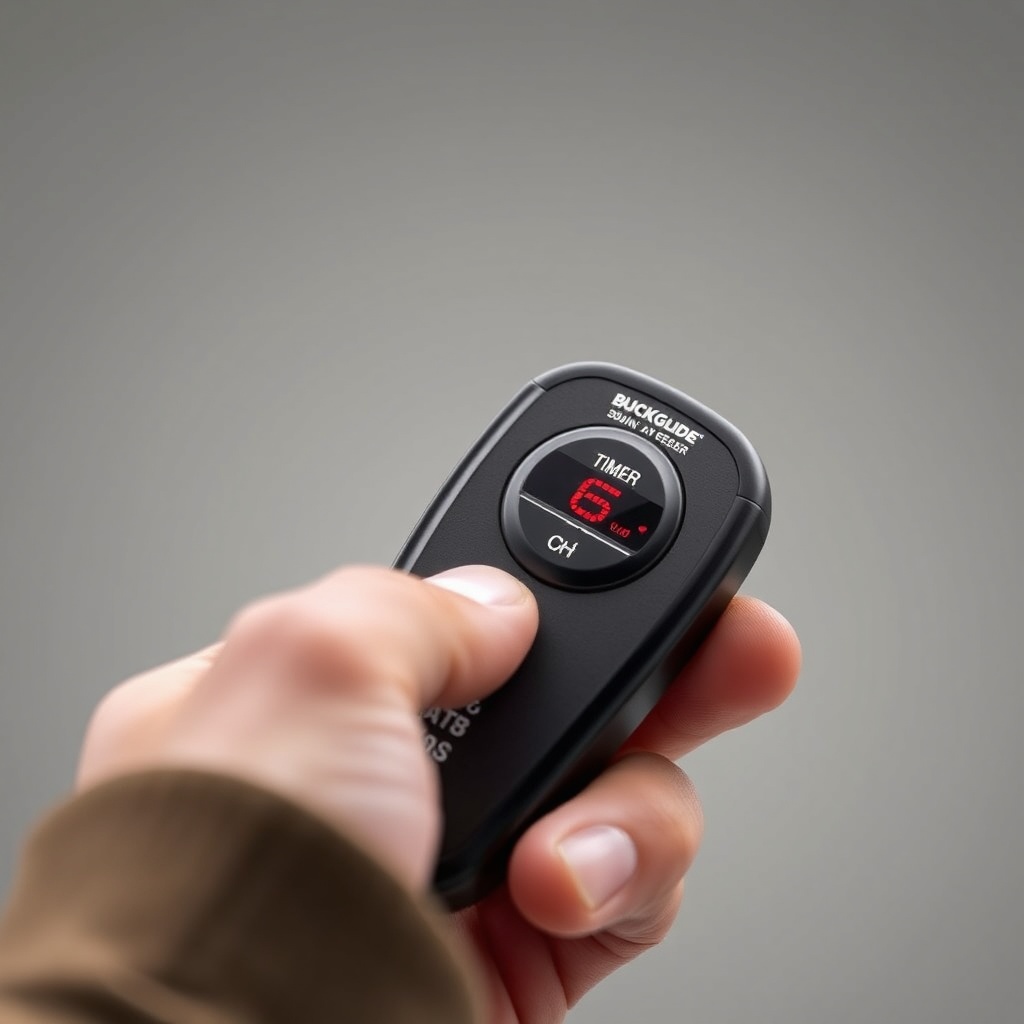
Can I Use a Remote Control to Program the BuckGuide 300lb Spin-Cast Feeder Timer?
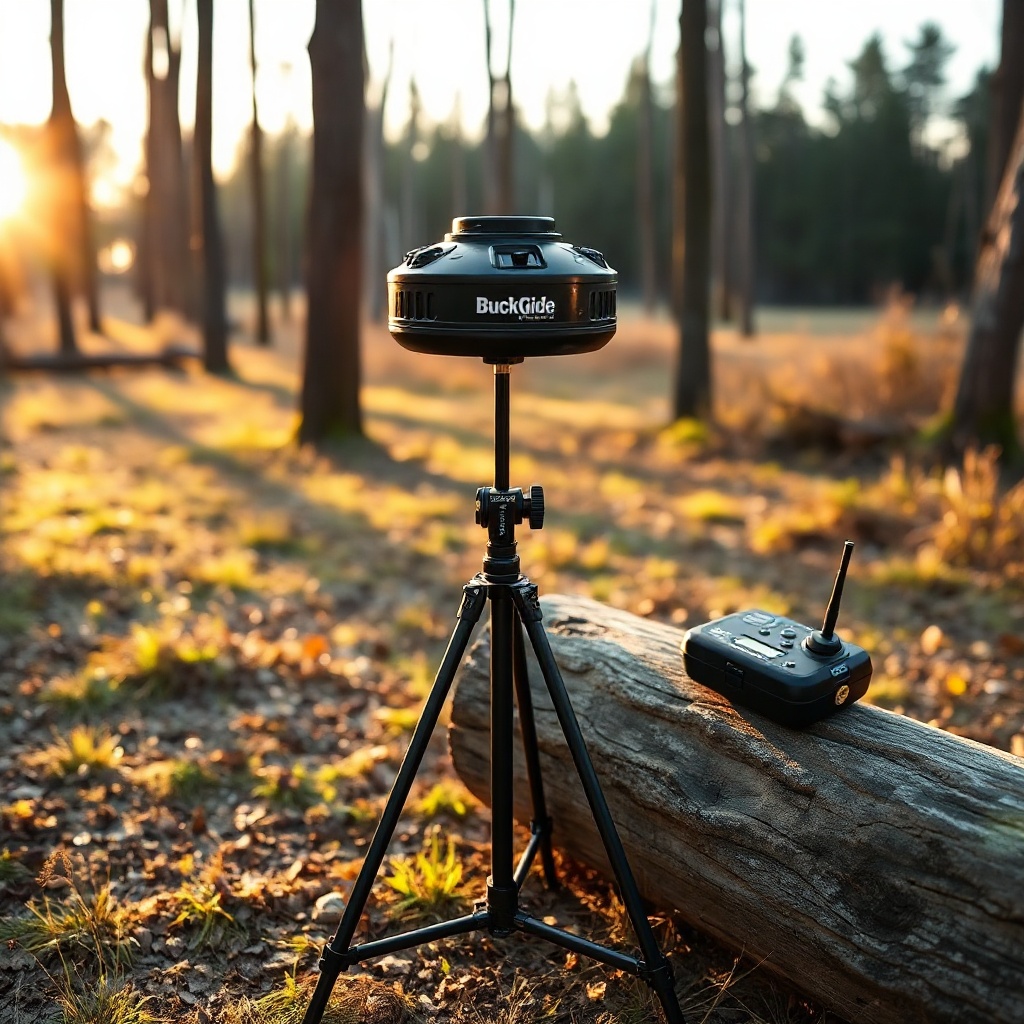
Yes, many BuckGuide 300lb Spin-Cast Feeder models are compatible with a dedicated remote control unit. This remote allows you to adjust feed times, duration, and set the clock without climbing the feeder. The remote communicates via a radio frequency (typically 433 MHz) up to 100 metres in open fields. To pair the remote, press the LEARN button on the timer panel, then press any button on the remote within 10 seconds. The timer will beep once to confirm pairing. Once paired, you can program all six feed times directly from the remote’s keypad.
Keep in mind that the remote control does not replace the timer panel; it mirrors the settings. If you lose the remote or its batteries die, the feeder will still operate according to the last programmed schedule. For added convenience, consider upgrading to a solar panel upgrade to keep the timer and remote receiver batteries charged longer. The remote itself uses two AAA batteries, which typically last a full season. Always store the remote in a dry place to prevent moisture damage.
What Do Owners Say About the BuckGuide 300lb Spin-Cast Feeder Timer Programming?
Deer managers and hunters who own the BuckGuide 300lb Spin-Cast Feeder generally praise its timer programming for being intuitive and reliable. One regular user from East Sussex commented, “I was able to set up feed times in under ten minutes using the remote. The clock syncs easily, and I love that I can adjust duration from my truck without walking through muddy fields.” Another owner from Scotland noted that the remote range is adequate for most woodland setups, though heavy tree cover can reduce it to about 70 metres.
Some users report that the timer buttons can be stiff when new, but they loosen after a few uses. A common tip from owners is to write down your feed times and durations in a waterproof notebook attached to the feeder leg, in case the timer memory clears after a long power outage or battery change. Others recommend using the digital timer programming tips to avoid accidental overfeeding. Overall, the consensus is that the BuckGuide 300lb Spin-Cast Feeder offers excellent value for its £450 price point, with programming that is both flexible and robust.
Frequently Asked Questions About Timer Programming for BuckGuide 300lb Spin-Cast Feeder
Q1: How do I clear all feed times on the BuckGuide 300lb Spin-Cast Feeder?
A: Press and hold the PROG button for 5 seconds until the display shows “CLr”. Confirm by pressing SET. This resets all feed times to “Off” but does not affect the clock or duration settings.
Q2: Why does my remote control not change the feed times?
A: First, check that the remote is paired with the timer. If not, re-pair using the LEARN button. Also, ensure the remote’s batteries are fresh. If the issue persists, the timer receiver may have a fault—refer to timer troubleshooting for step-by-step fixes.
Q3: Can I set different durations for each feed time?
A: Yes, the BuckGuide 300lb Spin-Cast Feeder allows independent duration settings for each of the six feed times. Use the DUR button to cycle through each feed time and adjust individually.
Q4: How do I set a feed time for 23:00 (11 PM)?
A: Use the 24-hour format: press PROG, choose the feed slot, then use + to set hour to 23, and minutes to 00. Confirm with SET. Many deer managers use a late feed for nocturnal deer activity.
Q5: Will rain affect the remote control range?
A: Heavy rain can slightly reduce radio frequency range, but typical loss is under 10%. If the feeder is in a downpour, the remote may need to be within 50 metres. After rain, check the timer unit for moisture as per this guide.
Q6: What do I do if the timer keeps resetting to factory defaults?
A: This often indicates a weak battery or poor connection. Replace the 6V lantern battery with a fresh one. If the issue continues, inspect the battery terminals for corrosion and clean them. A faulty timer board may require professional service.